



Image to PDF Converter – Toolsnak
Convert images to PDF instantly with this free online tool. Supports JPG, PNG, WEBP, and GIF formats.
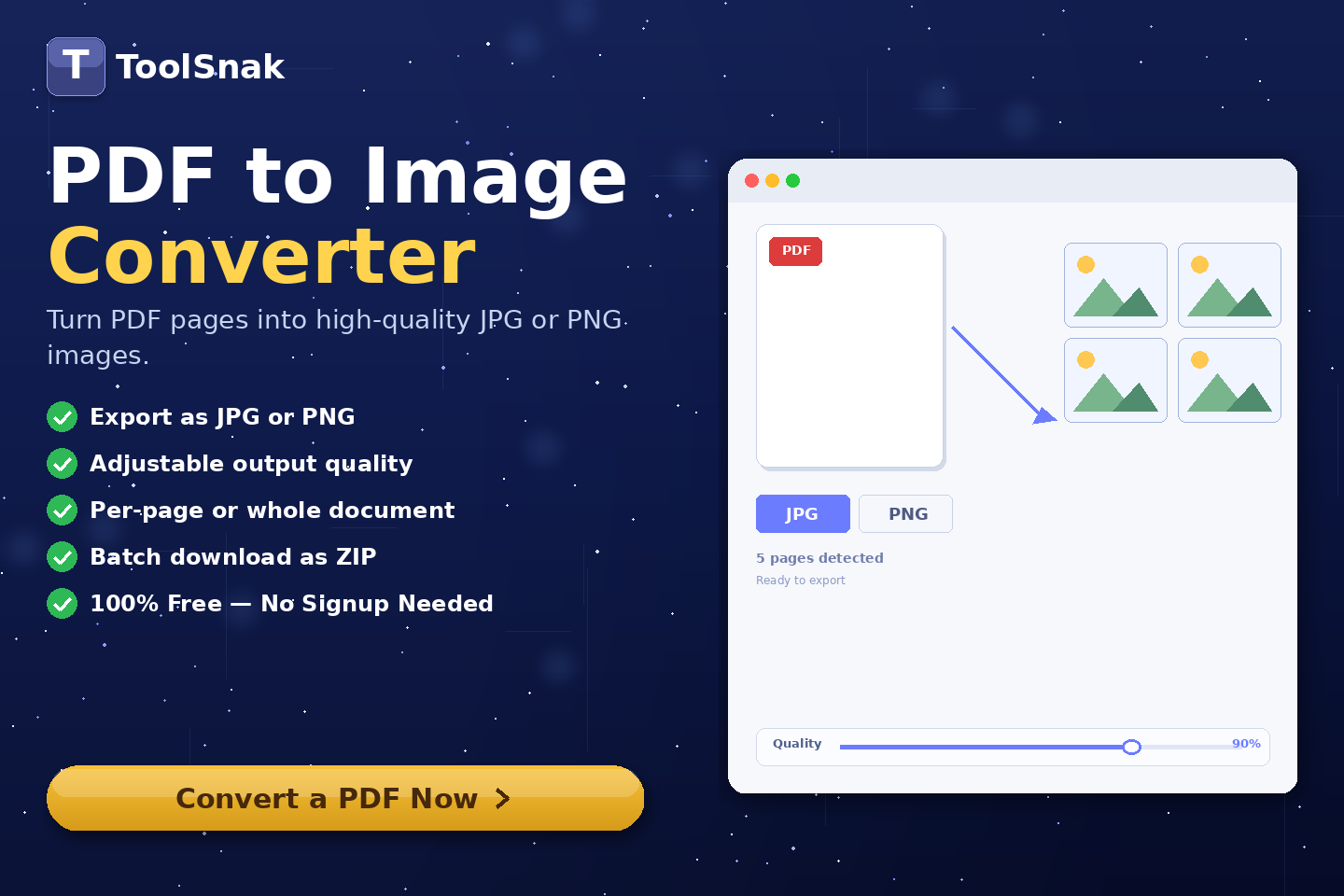
🖼️ What is Image to PDF Converter?
Image to PDF Converter is an online tool that allows you to convert one or multiple images into a PDF document instantly. Each image is automatically converted into a separate page in the PDF file.
This tool is perfect for students, office workers, and businesses who need to quickly combine images into a clean and professional PDF document.
Click here:-
Image to PDF Converter Tool
⚙️ How It Works (Based on Your Tool)
Upload Images
- Drag & drop images into the upload area
- Or click Browse Images to select files
- Supported formats: JPG, PNG, WEBP, GIF, BMP
- You can upload multiple images at once
Preview
- Uploaded images appear as thumbnails
- Each image becomes a separate PDF page
- You can remove or clear images
Convert to PDF
- Click Convert to PDF & Download
- Instant processing in browser
- No server upload required
Download PDF
- PDF is generated instantly
- Each image becomes a page
- Download the ready file
🔽 Example Output
| Format | Value |
|---|---|
| Page 1 | First image |
| Page 2 | Second image |
| Layout | A4 PDF format |
| Quality | High quality |
🧠 Key Features
| Feature | Description |
|---|---|
| ⚡ Instant Conversion | Fast image to PDF conversion |
| 📂 Multiple Upload | Upload multiple images |
| 📄 One Page Per Image | Each image becomes one page |
| 🚫 No Watermark | Clean PDF output |
| 🔐 Secure | No data uploaded to server |
| 📱 Responsive | Works on all devices |
| 🖼️ Format Support | JPG, PNG, WEBP, GIF, BMP |
📊 Input vs Output
| Metric | Details |
|---|---|
| Input | User images |
| Output | PDF document |
| Formats | JPG, PNG, WEBP etc. |
| Pages | Each image = 1 page |
🎯 Advantages
| Advantage | Benefit |
|---|---|
| ✅ Fast | Instant results |
| ✅ Easy | User-friendly interface |
| ✅ Secure | No file upload |
| ✅ Free | 100% free tool |
| ✅ High Quality | No quality loss |
🛠️ Use Cases
- Students converting notes to PDF
- Office document sharing
- Scanned image conversion
- Photo to PDF creation
- Business documentation
🔐 Security
✔ No registration required
✔ No data storage
✔ Browser-based processing
✔ Fully secure
💡 Why is it Important?
Without this tool:
- Files remain unorganized
- Difficult to share multiple images
- Manual work takes time
With this tool:
- All images in one PDF
- Easy sharing and printing
- Save time and effort
🧩 Pro Tips
- Use high-quality images
- Arrange images before converting
- Optimize file size if needed
- Use PDF for professional sharing
🧾 Conclusion
Image to PDF Converter helps you quickly and easily convert images into a professional PDF file.
🚀 Start Now
Use this free tool now. No signup required.
How much did you enjoy Image to PDF Converter – Toolsnak?
Related Articles

Jensen Huang's Strategic Moves to Maintain Nvidia's AI Leadership
Nvidia CEO Jensen Huang outlines plans to sustain the company's dominance in AI amid global challenges, including new technologies, partnerships, and geopolitical considerations.

URL Encoder / Decoder
Encode and decode URLs instantly with this free online tool. Supports encodeURIComponent and encodeURI for accurate and secure URL conversion. Fast, easy, and no signup required. | Tool snak
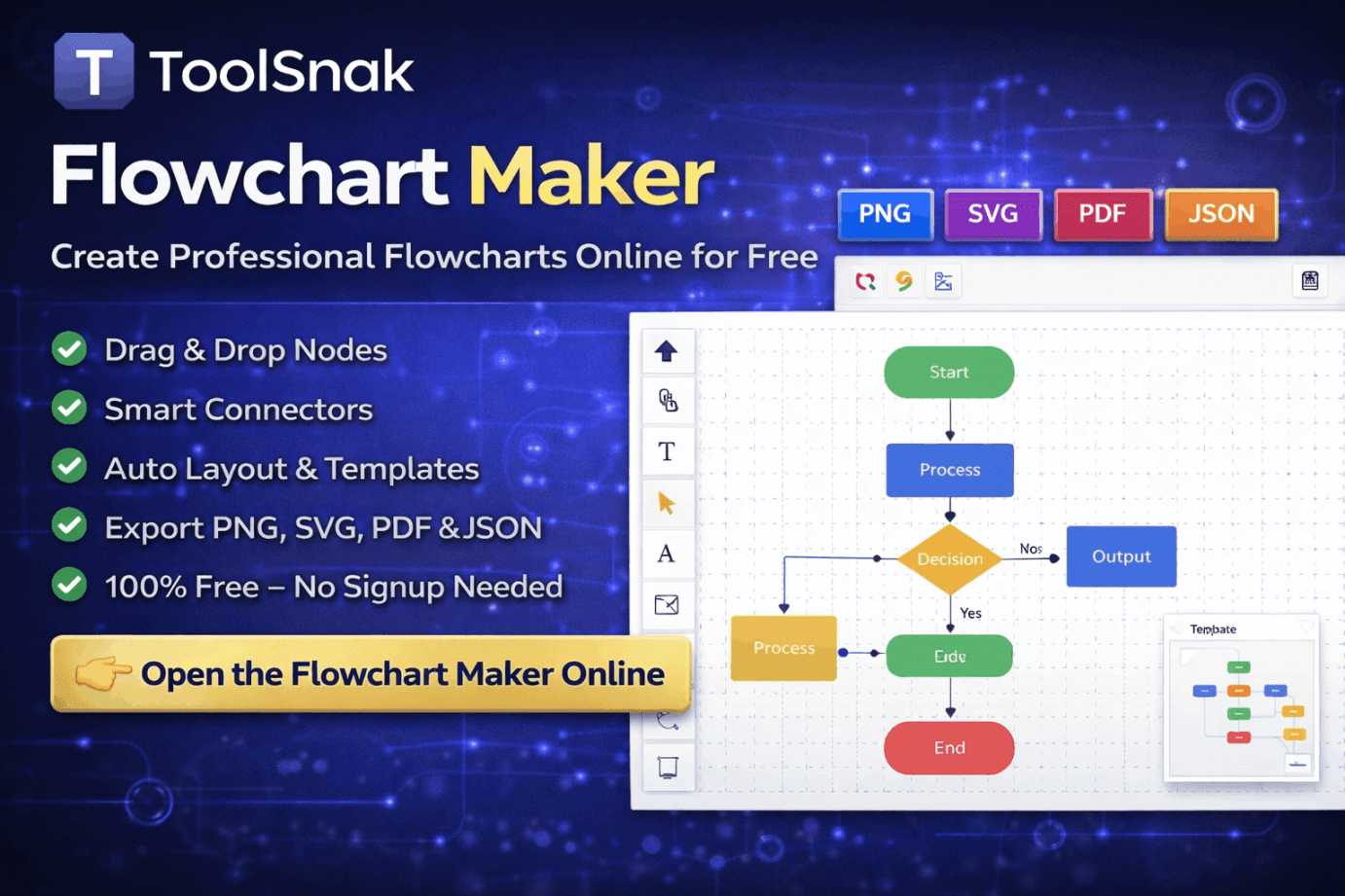
Flowchart Maker: Create Professional Flowcharts Online for Free
Create clear and professional flowcharts online using ToolSnak’s free Flowchart Maker. Drag-and-drop nodes, smart connectors, auto layout, templates, and export to PNG, SVG, PDF, or JSON.
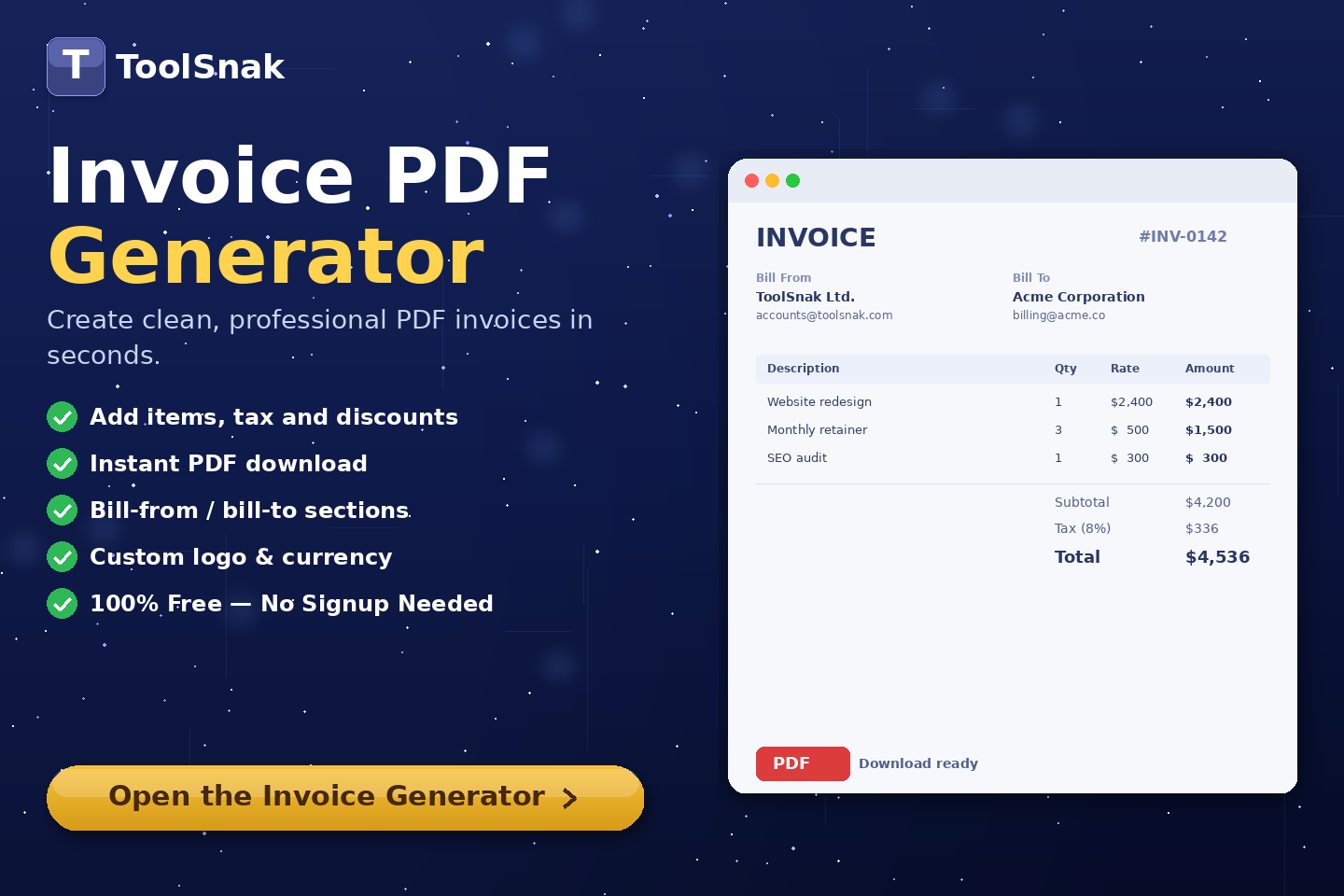
Invoice PDF Generator – Toolsnak
Create professional invoices instantly and download them as PDF. Free online invoice generator with client details, items, tax calculation, and ready-to-use invoice design.