



How to Use AI Token Counter & Tokenizer Tool
Learn how to use the AI Token Counter & Tokenizer in 2026 to count tokens accurately, optimize prompts, and stay within AI model limits.
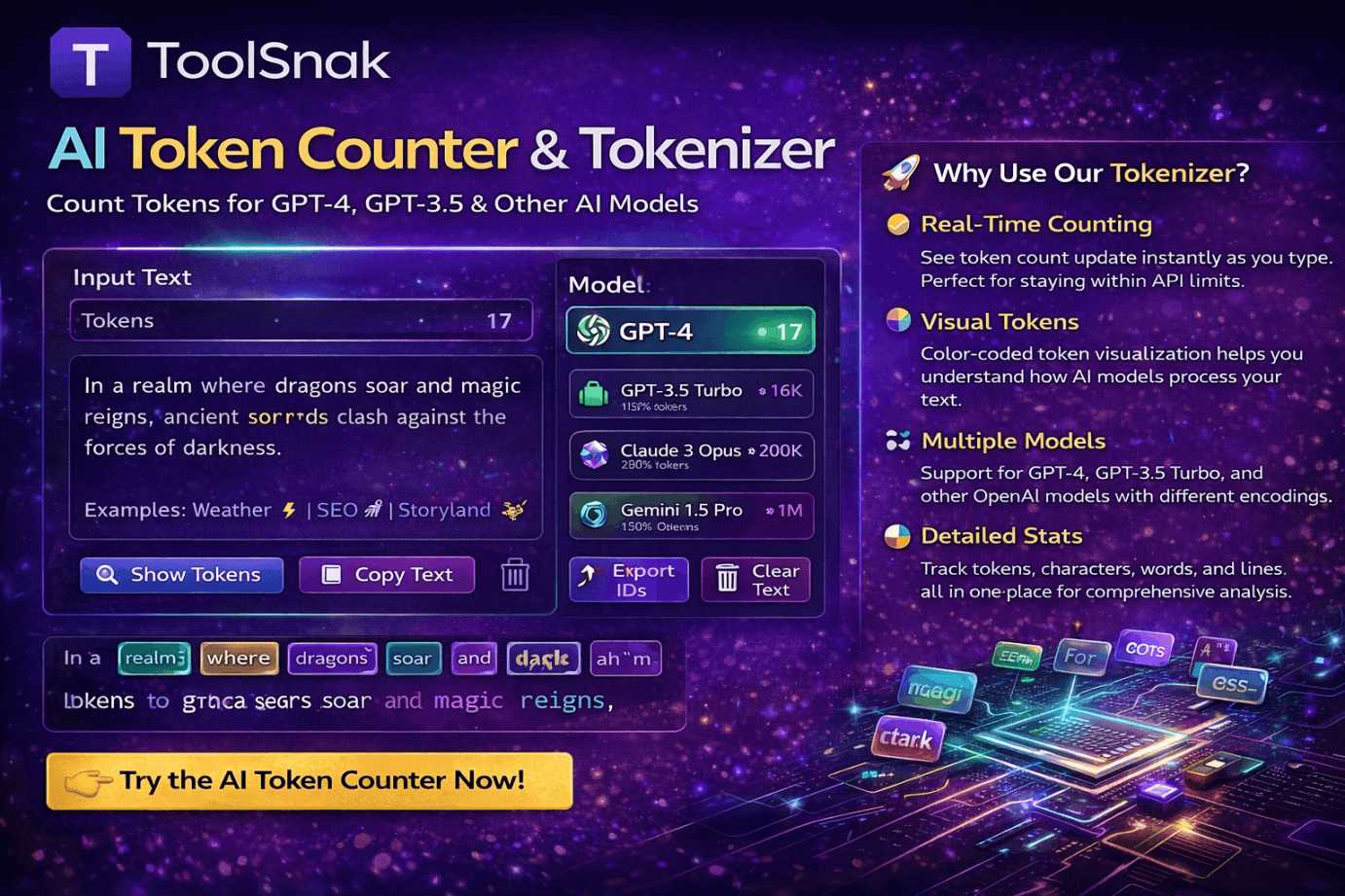
How to Use the AI Token Counter & Tokenizer
The AI Token Counter & Tokenizer by ToolSnak is a powerful, free, and AI-powered tool designed for modern AI workflows in 2026. It helps you understand exactly how your text is broken into tokens by popular AI models such as GPT-4, GPT-3.5, Claude, Gemini, LLaMA, and more.
Whether you are a developer, content creator, prompt engineer, or student, this tool allows you to analyze token usage in real time—without signing up, logging in, or paying anything.
What Does the AI Token Counter Tool Do?
This tool converts your input text into tokens based on the selected AI model’s tokenizer. It instantly shows the total number of tokens, characters, words, and lines. You can also visualize each token individually, helping you understand how AI models interpret your prompts.
Unlike basic word counters, this tool reflects how large language models actually process text, which is critical for prompt optimization and cost control.
Why This Tool Is Important in 2026
In 2026, AI usage is more advanced and more expensive than ever. Most AI platforms charge based on token usage, not word count. Models also have strict context limits. Exceeding those limits can result in truncated responses, failed API calls, or higher costs.
The ToolSnak AI Token Counter helps you stay within these limits by giving you accurate, real-time feedback. It allows you to optimize prompts, reduce unnecessary tokens, and design more efficient AI workflows.
How to Use the AI Token Counter (Step-by-Step)
- Open the tool: AI Token Counter & Tokenizer
- Paste or type your text into the input box
- Select the AI model you are targeting (GPT-4, GPT-3.5, etc.)
- View instant statistics for tokens, characters, words, and lines
- Enable token visualization to see how text is split into tokens
- Optionally show token IDs or export them for analysis
- Refine your text to reduce token usage if needed
AI-Powered Token Visualization
The tool provides color-coded token visualization, making it easy to understand how different parts of your text are processed. This is especially helpful for learning prompt engineering and debugging unexpected token spikes.
You can clearly see where tokens are created from spaces, punctuation, or word fragments—something traditional counters cannot show.
Understanding Tokens and ATS-Style Limits
Just like ATS systems filter resumes based on structure and keywords, AI models filter and process text based on tokens. Understanding tokenization helps you structure prompts more efficiently, ensuring that important instructions are not cut off due to token limits.
This makes the tool especially useful for AI-driven resume screening, automated content pipelines, and large-scale prompt generation.
Free, Unlimited, and No Login Required
The AI Token Counter is completely free to use. There are no daily limits, no subscriptions, and no hidden restrictions. You do not need to create an account or log in—simply open the tool and start analyzing your text.
Who Should Use This Tool?
- AI developers and engineers
- Prompt engineers and AI researchers
- Content creators using AI tools
- Students learning about AI and NLP
- Businesses optimizing AI API costs
- Anyone working with large language models
Key Benefits of Using ToolSnak AI Token Counter
- Accurate token counting for modern AI models
- Real-time updates as you type
- Clear visual token breakdown
- Support for multiple LLMs
- No login, no tracking, and unlimited usage
Start Counting Tokens Now
If you want to optimize your AI prompts, control costs, and understand how language models process text, start using ToolSnak today.
Try it now: Use AI Token Counter & Tokenizer
How much did you enjoy How to Use AI Token Counter & Tokenizer Tool?
Related Articles
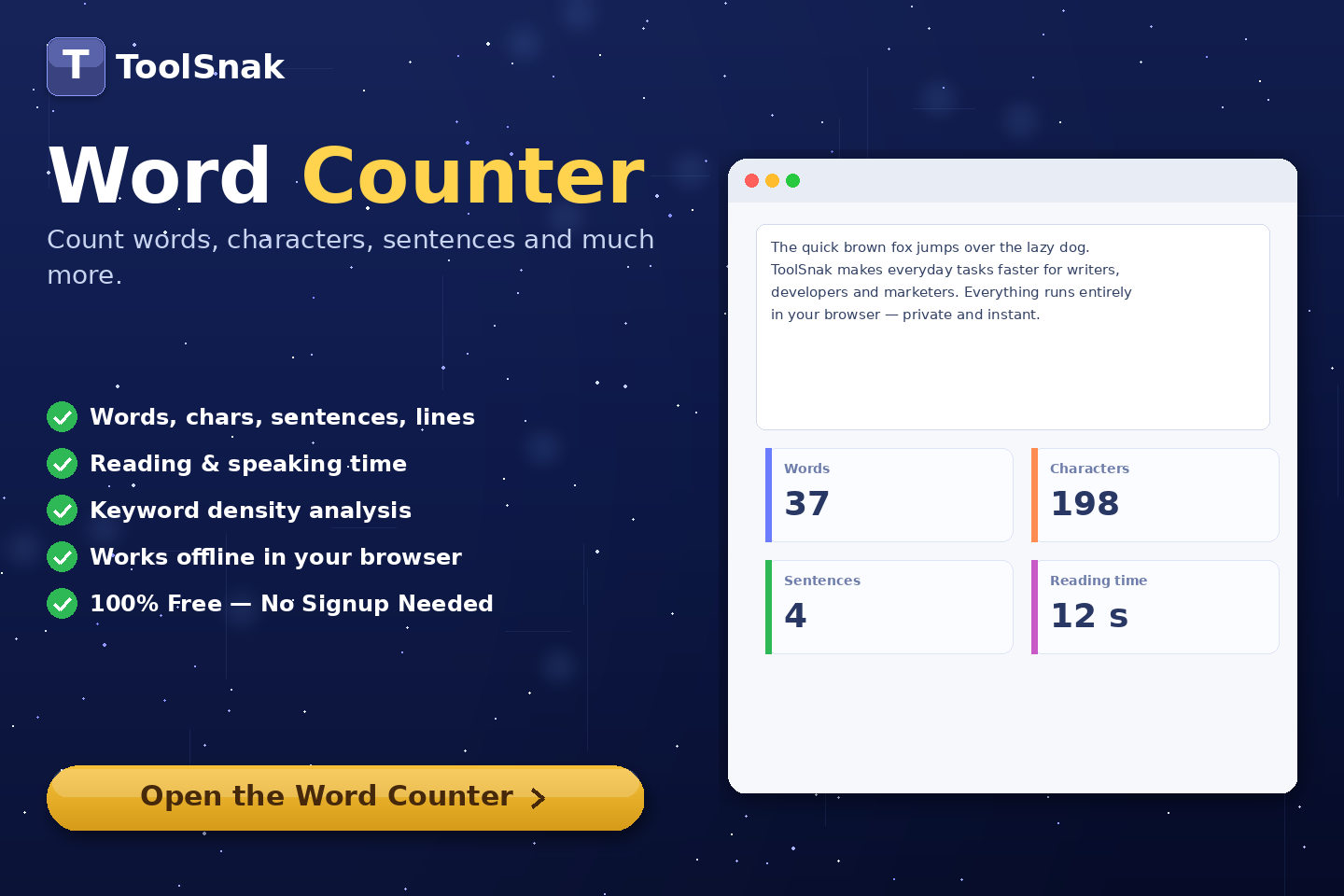
Free Word Counter Online – Count Words, Characters & More | Tool snak
Count words, characters, sentences, paragraphs, and reading time instantly with this free online word counter tool.
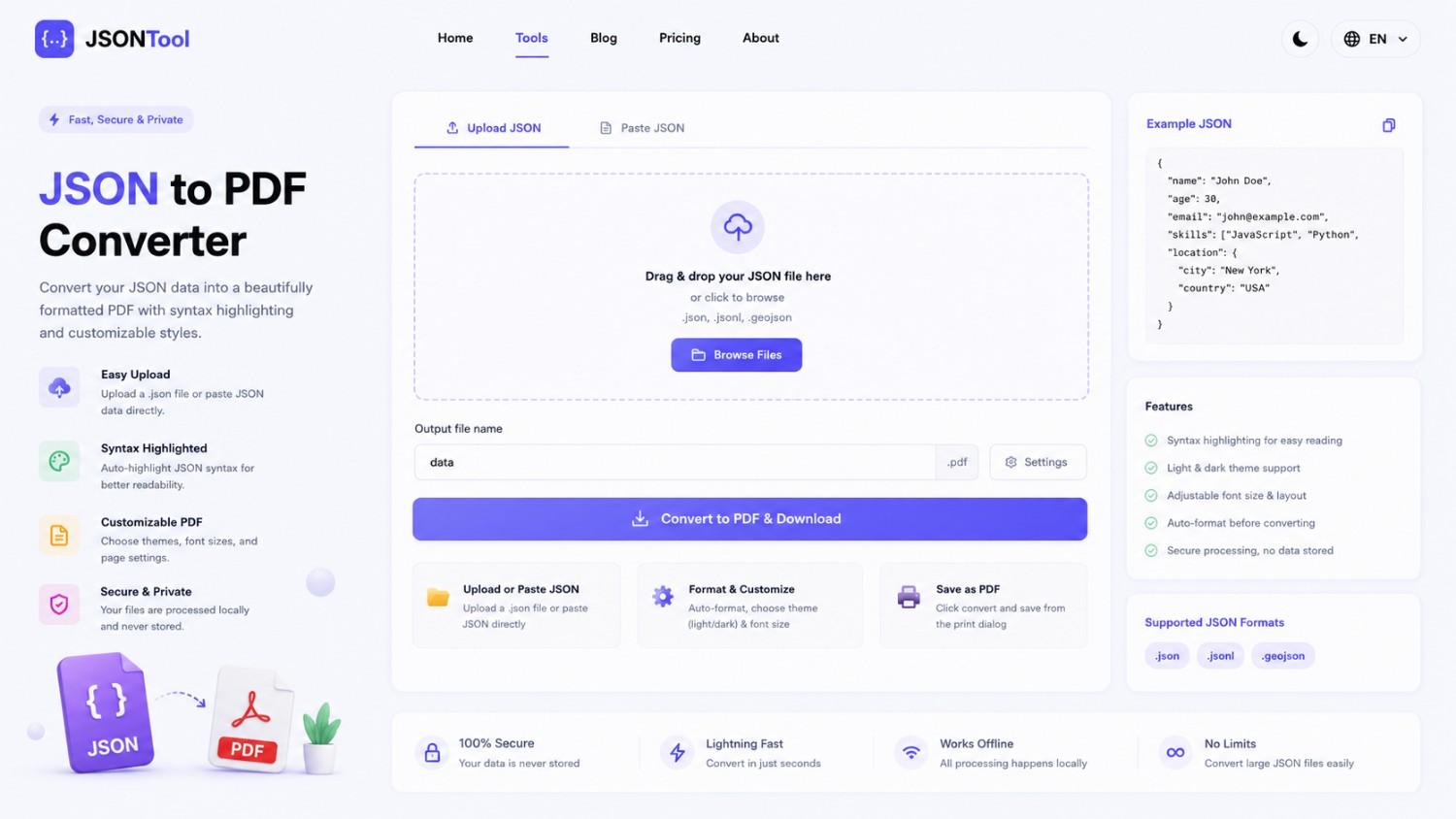
JSON to PDF Converter
Convert JSON files into clean and professional PDF documents instantly online. Fast, secure and free JSON to PDF Converter with formatted output.
Jensen Huang's Strategic Moves to Maintain Nvidia's AI Leadership
Nvidia CEO Jensen Huang outlines plans to sustain the company's dominance in AI amid global challenges, including new technologies, partnerships, and geopolitical considerations.
How to Encode & Decode URLs Online Instantly
Encode and decode URLs instantly with this free online tool. Supports encodeURIComponent and encodeURI for accurate and secure URL conversion. Fast, easy, and no signup required. | Tool snak