



Add Page Numbers to PDF | Tool snak
Add page numbers to PDF online for free. Customize position, format, font size, color, and starting number easily.
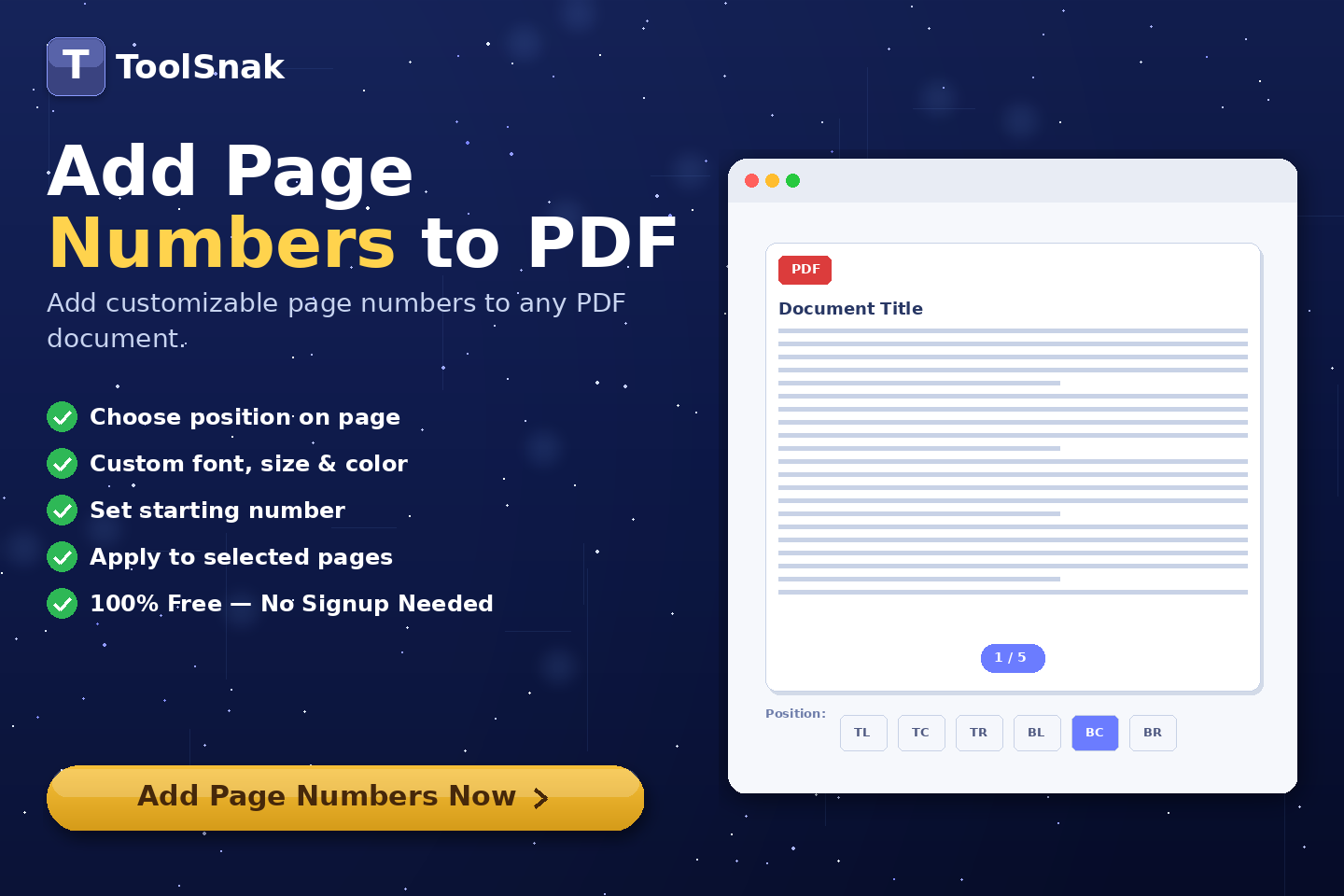
🔢 What is Add Page Numbers to PDF Tool?
Add Page Numbers to PDF is an online tool that lets you insert page numbers into your PDF files easily. You can fully customize position, format, font size, color, and starting number.
This tool is ideal for organizing documents, creating professional reports, and preparing PDFs for printing or sharing.
Click here:-
Add Page Numbers to PDF Tool
⚙️ How It Works (Based on Your Tool)
Upload PDF File
- Drag & drop your PDF file
- Or click Choose PDF File
- Your file is loaded instantly
Choose Number Position
- Select where numbers appear:
- ✔ Top Left / Top Center / Top Right
- ✔ Bottom Left / Bottom Center / Bottom Right
Select Number Format
- Choose format like:
- ✔ Page 1
- ✔ Page 1 of 10
- ✔ 1 / 10
Customize Settings
- Set starting number
- Adjust font size
- Choose number color
Add Page Numbers
- Click Add Page Numbers
- Processing happens instantly in your browser
Download PDF
- Your PDF is ready instantly
- Page numbers are added correctly
- Download updated file
🔽 Example Output
| Section | Details |
|---|---|
| File | Numbered PDF |
| Position | Top / Bottom positions |
| Format | Page X / Page X of Y |
| Style | Custom font size & color |
🧠 Key Features
| Feature | Description |
|---|---|
| 🔢 Custom Numbering | Add flexible page numbers |
| 📍 Position Control | Place numbers anywhere |
| 🎨 Style Options | Font size and color control |
| ⚡ Instant Processing | Fast browser-based tool |
| 🔐 Secure | No file upload required |
📊 Input and Output
| Input | Output |
|---|---|
| PDF File | PDF with page numbers |
| Settings | Customized numbering |
🎯 Advantages
| Advantage | Benefit |
|---|---|
| ✅ Easy | Simple interface |
| ✅ Fast | Instant results |
| ✅ Free | No cost required |
| ✅ Secure | Processed locally |
| ✅ Professional | Clean document formatting |
🛠️ Use Cases
- Create professional reports
- Organize long documents
- Prepare PDFs for printing
- Add numbering to books or manuals
- Improve document readability
🔐 Security & Privacy
✔ No login required
✔ No file upload
✔ Browser-based processing
✔ 100% private
💡 Why Use This Tool?
Without this tool:
- Manual editing required
- Time-consuming
- Inconsistent formatting
With this tool:
- Instant numbering
- Full customization
- Professional results
🧩 Pro Tips
- Use "Page X of Y" for reports
- Keep font size readable
- Place numbers at bottom center for clean look
- Start from custom number if needed
🧾 Conclusion
Add Page Numbers to PDF is a powerful tool to organize and improve your documents.
🚀 Start Now
Use this free tool now and add page numbers instantly.
How much did you enjoy Add Page Numbers to PDF | Tool snak?
Related Articles
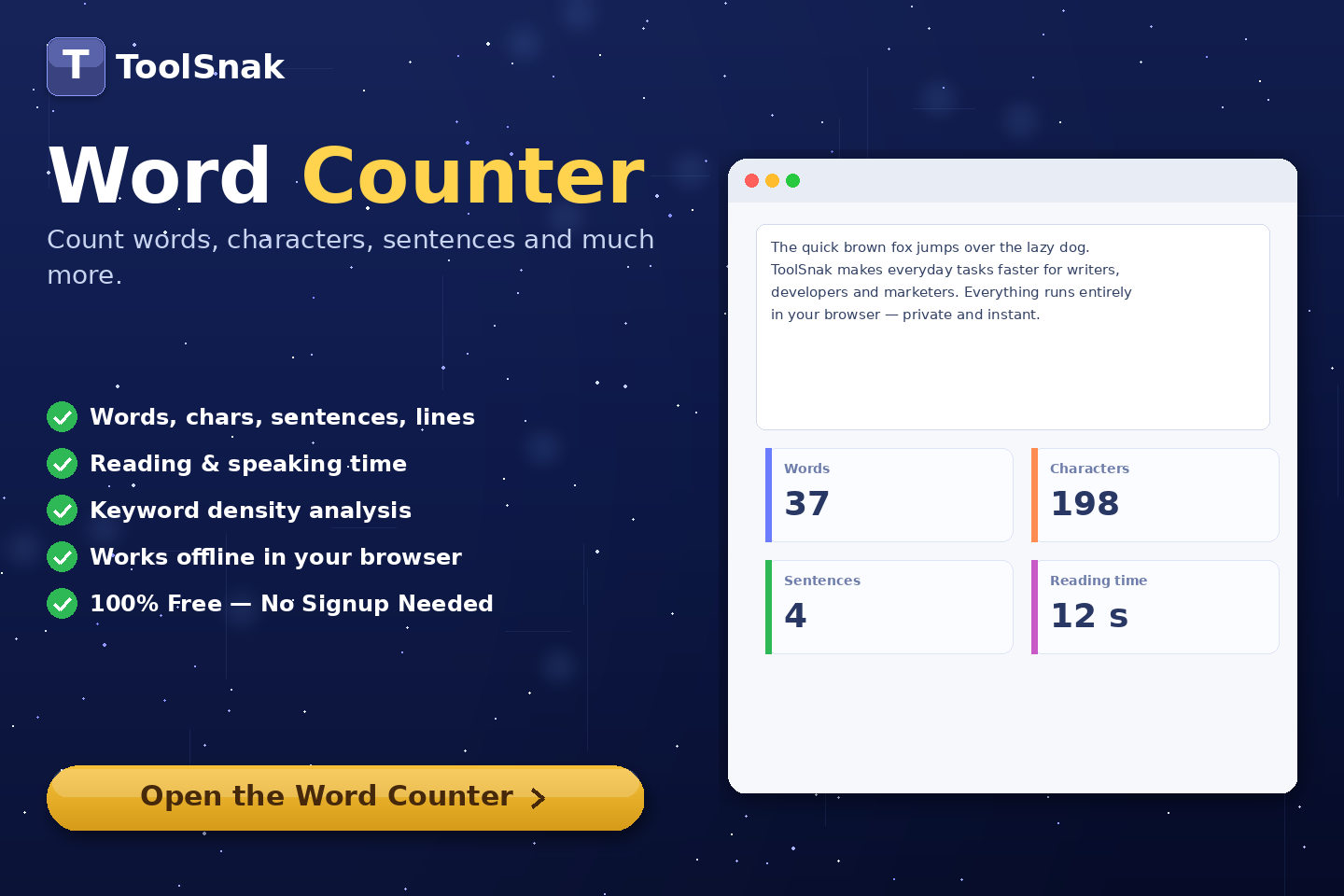
Free Word Counter Online – Count Words, Characters & More | Tool snak
Count words, characters, sentences, paragraphs, and reading time instantly with this free online word counter tool.
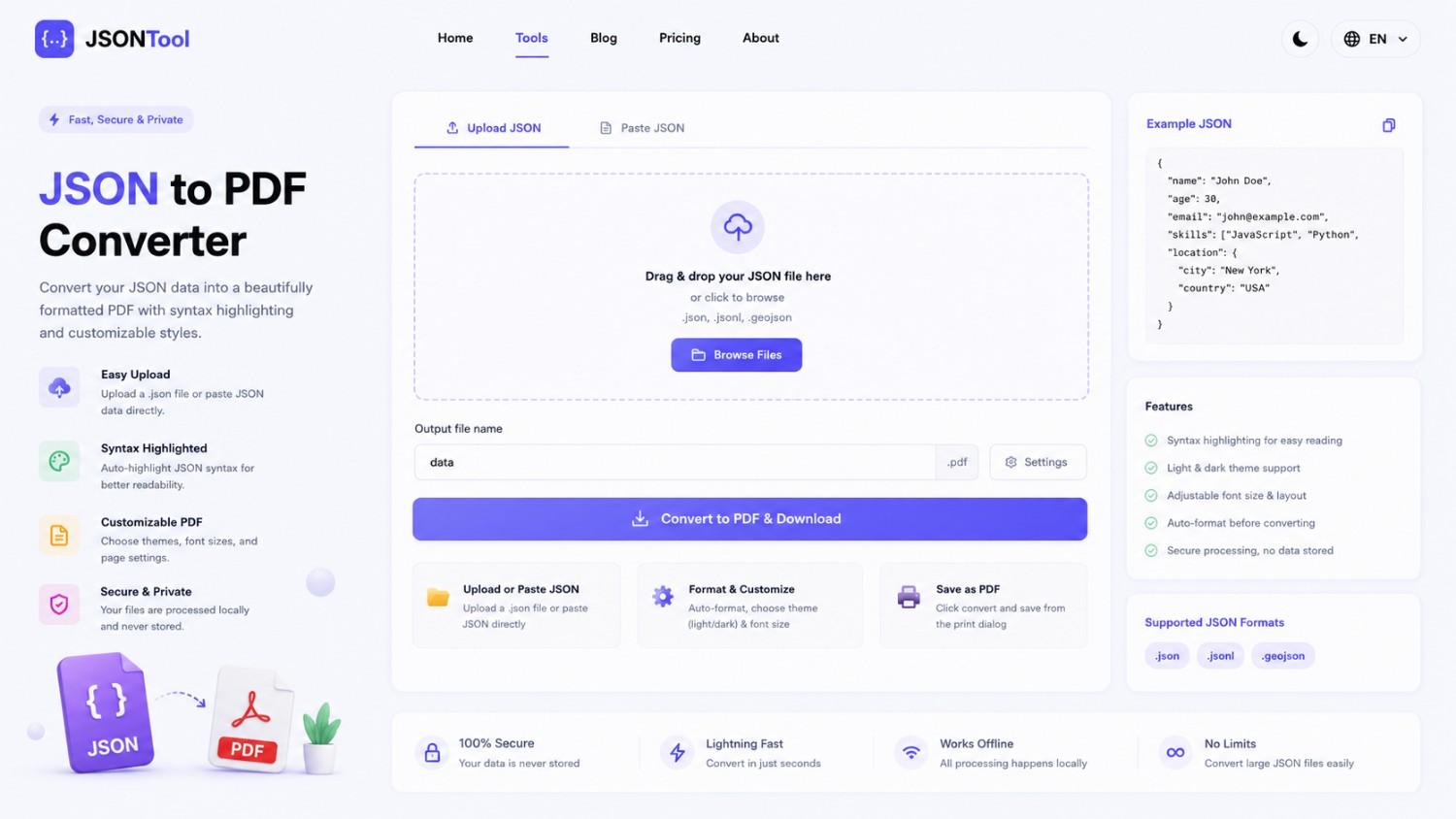
JSON to PDF Converter
Convert JSON files into clean and professional PDF documents instantly online. Fast, secure and free JSON to PDF Converter with formatted output.

Jensen Huang's Strategic Moves to Maintain Nvidia's AI Leadership
Nvidia CEO Jensen Huang outlines plans to sustain the company's dominance in AI amid global challenges, including new technologies, partnerships, and geopolitical considerations.

How to Encode & Decode URLs Online Instantly
Encode and decode URLs instantly with this free online tool. Supports encodeURIComponent and encodeURI for accurate and secure URL conversion. Fast, easy, and no signup required. | Tool snak