



Add Watermark to PDF | Tool snak
Add custom text watermark to PDF online for free. Adjust position, color, opacity, and font size instantly with secure processing.
💧 What is Add Watermark to PDF Tool?
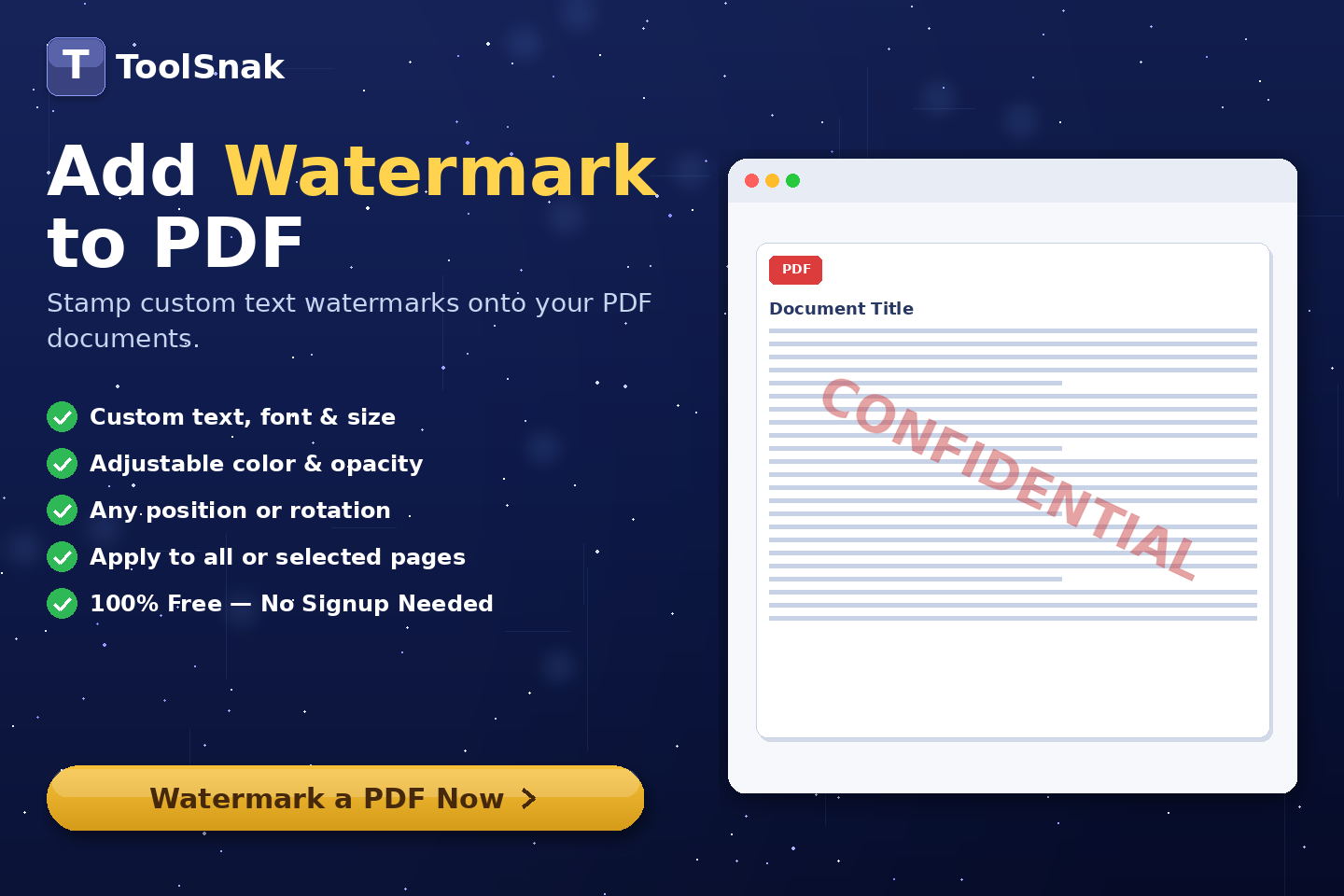
Add Watermark to PDF is an online tool that allows you to add custom text watermarks to your PDF files instantly. You can personalize watermark text, adjust position, color, opacity, and font size with full control.
This tool is ideal for protecting documents, branding files, or marking content as confidential without installing any software.
Click here:-
Add Watermark to PDF Tool
⚙️ How It Works (Based on Your Tool)
Upload PDF File
- Drag & drop your PDF file
- Or click Choose File
- Your file appears with name and size
Enter Watermark Text
- Type your watermark text (e.g., CONFIDENTIAL)
- Customize according to your needs
Customize Watermark
- Select position: Diagonal, Center, Top, Bottom
- Choose text color using color picker
- Adjust opacity (transparency level)
- Set font size for visibility
Apply to All Pages
- Enable option to apply watermark on all pages
- Ensure consistency across document
Add Watermark
- Click Add Watermark
- Processing happens instantly in your browser
Download Watermarked PDF
- Your PDF is generated instantly
- Watermark applied successfully
- Download updated PDF file
🔽 Example Output
| Section | Details |
|---|---|
| File | Watermarked PDF |
| Text | Custom watermark (e.g., CONFIDENTIAL) |
| Position | Diagonal / Center / Top / Bottom |
| Style | Color, opacity, font size applied |
🧠 Key Features
| Feature | Description |
|---|---|
| 💧 Custom Watermark | Add personalized text watermark |
| 🎨 Full Customization | Control color, opacity & font size |
| 📍 Flexible Position | Multiple placement options |
| ⚡ Instant Processing | Fast browser-based processing |
| 🔐 Secure | No file upload required |
| 📥 Download Ready | Instant PDF download |
📊 Input and Output
| Input | Output |
|---|---|
| PDF file | Watermarked PDF |
| Text watermark | Customized output |
| Design settings | Styled watermark applied |
🎯 Advantages
| Advantage | Benefit |
|---|---|
| ✅ Easy | User-friendly interface |
| ✅ Fast | Instant results |
| ✅ Free | No cost required |
| ✅ Secure | Data stays in browser |
| ✅ Professional | High-quality output |
🛠️ Use Cases
- Mark documents as CONFIDENTIAL
- Add branding to PDFs
- Protect intellectual property
- Prepare business documents
- Add ownership labels
🔐 Security & Privacy
✔ No login required
✔ No file upload
✔ Browser-based processing
✔ 100% private
💡 Why Use This Tool?
Without this tool:
- No easy way to watermark PDFs
- Manual editing required
- Time-consuming process
With this tool:
- Instant watermarking
- Full customization
- Professional results
🧩 Pro Tips
- Use light opacity for clean look
- Choose diagonal for security marking
- Use bold text for visibility
- Apply to all pages for consistency
🧾 Conclusion
Add Watermark to PDF is a powerful and easy-to-use tool to protect and brand your documents professionally.
🚀 Start Now
Use this free tool now and add watermark to your PDF instantly.
How much did you enjoy Add Watermark to PDF | Tool snak?
Related Articles
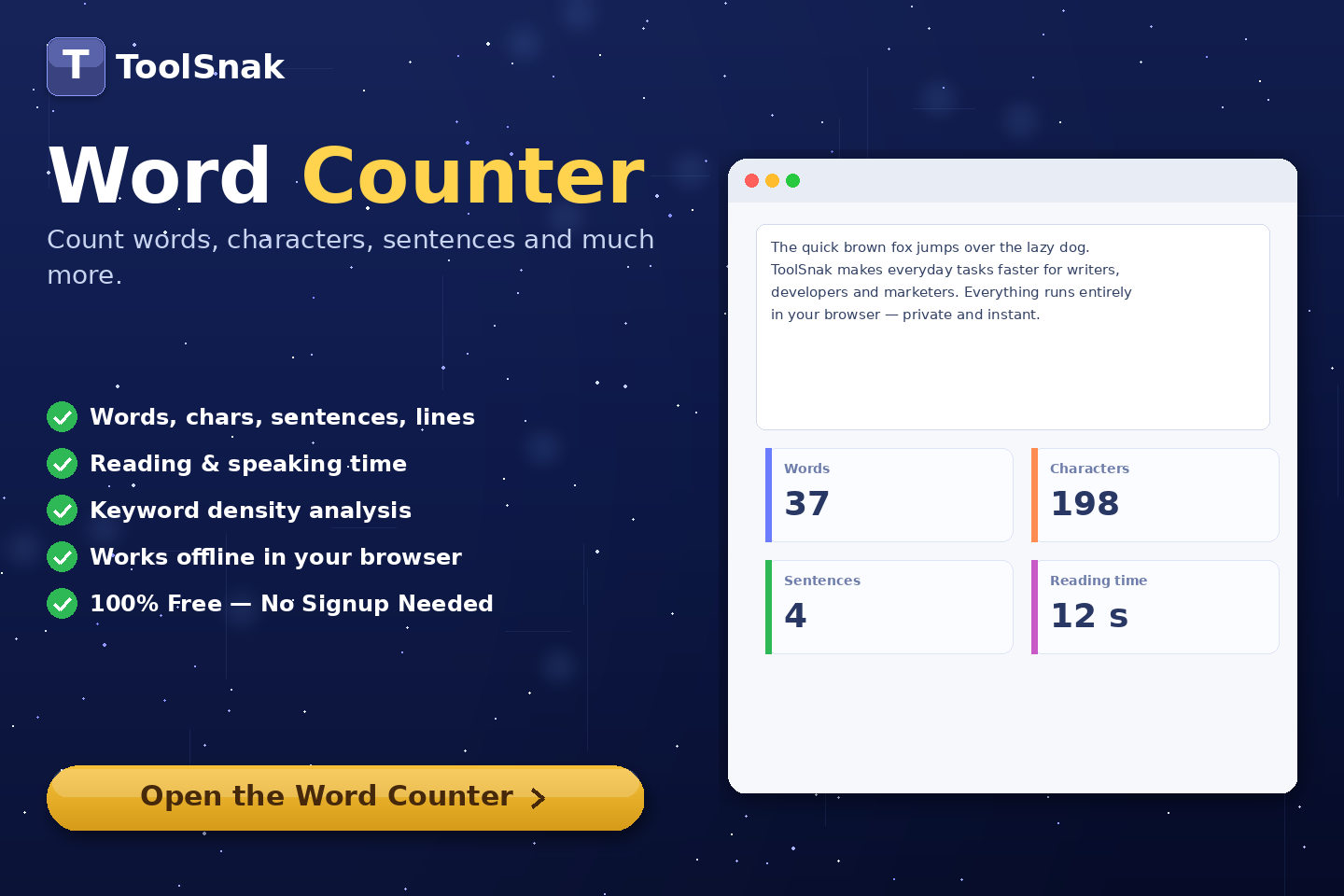
Free Word Counter Online – Count Words, Characters & More | Tool snak
Count words, characters, sentences, paragraphs, and reading time instantly with this free online word counter tool.
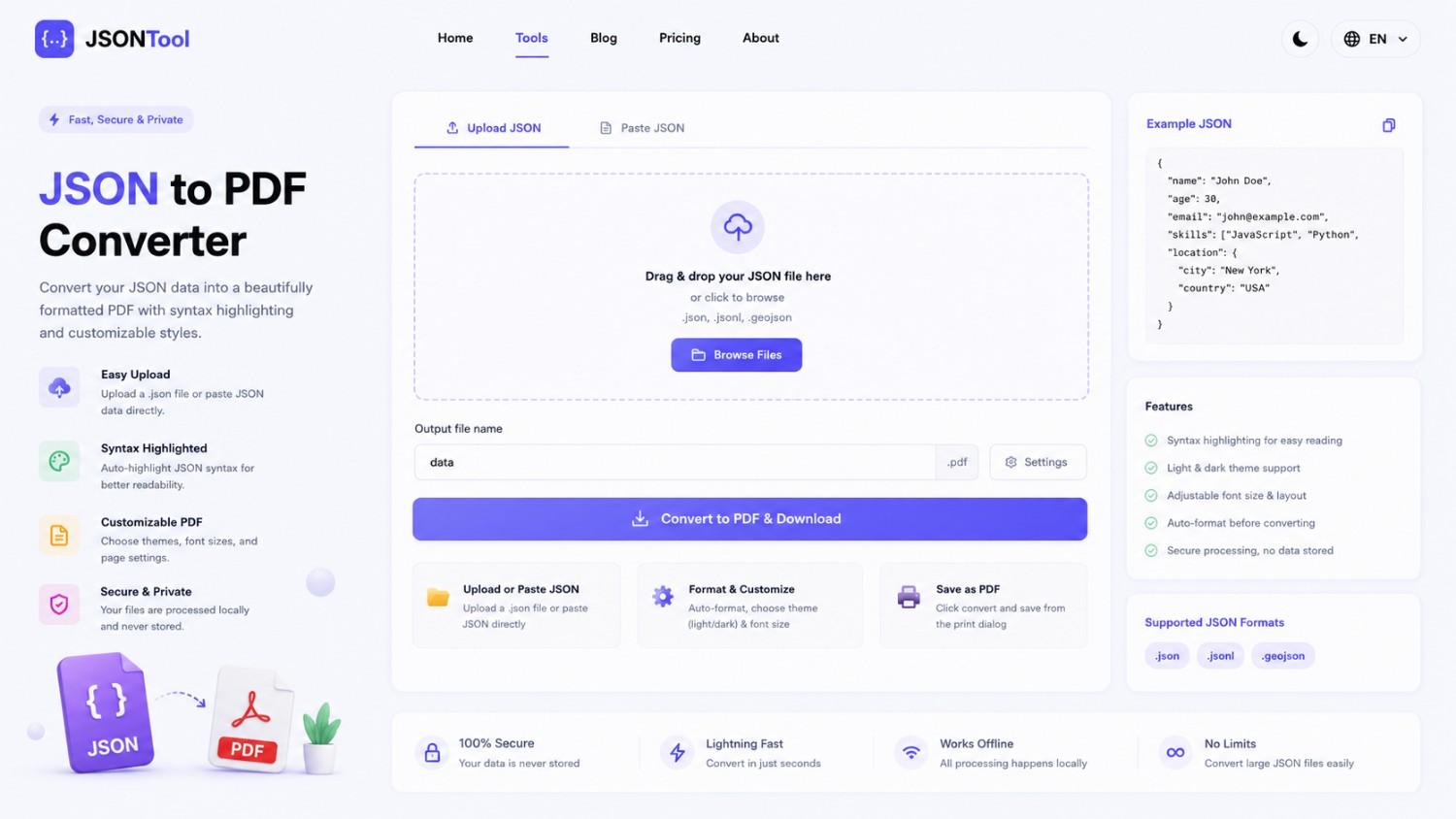
JSON to PDF Converter
Convert JSON files into clean and professional PDF documents instantly online. Fast, secure and free JSON to PDF Converter with formatted output.

Jensen Huang's Strategic Moves to Maintain Nvidia's AI Leadership
Nvidia CEO Jensen Huang outlines plans to sustain the company's dominance in AI amid global challenges, including new technologies, partnerships, and geopolitical considerations.

How to Encode & Decode URLs Online Instantly
Encode and decode URLs instantly with this free online tool. Supports encodeURIComponent and encodeURI for accurate and secure URL conversion. Fast, easy, and no signup required. | Tool snak