



Free Digital PDF Signature
Sign your PDF documents online instantly with Toolsnak. Create, type, or upload signatures and download signed PDFs securely — no login, no watermark, 100% free.
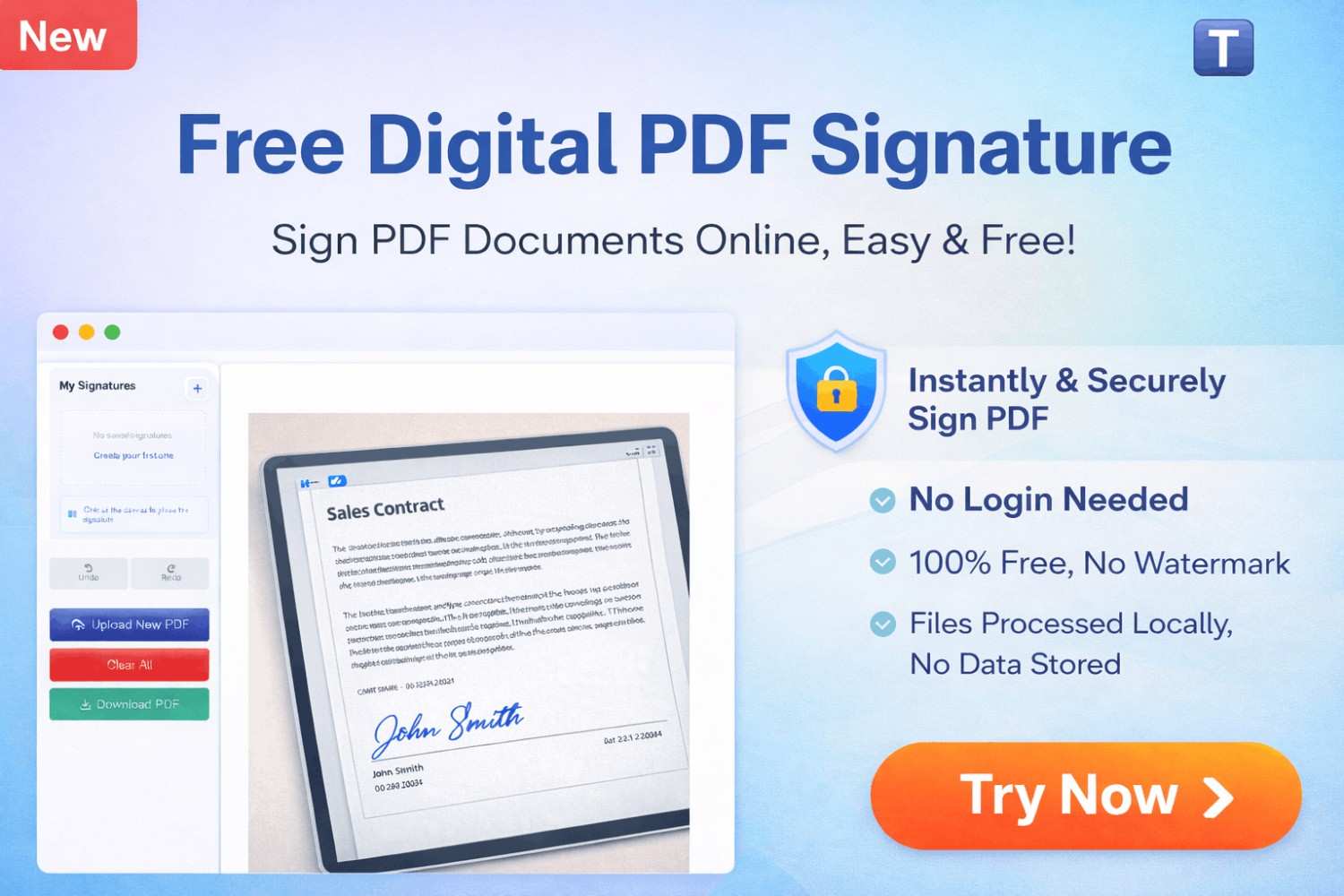
🔥 Sign PDF Online Free – Instant Digital Signature Tool | Toolsnak
Signing documents digitally should be quick, simple, and secure. But most tools either require registration, add watermarks, or make the process confusing.
That’s exactly why Toolsnak created this Free Digital PDF Signature Tool — so you can sign your PDFs instantly without any hassle.
With this tool, you can upload your PDF, create a signature, place it anywhere on the document, and download it immediately — all in one smooth workflow.
Click here
Free Digital PDF Signature
📊 Feature Overview Table
| Feature | Details |
|---|---|
| Tool Type | Digital PDF Signature Tool |
| Price | 100% Free |
| Login Required | ❌ No |
| Watermark | ❌ No |
| Signature Types | Draw, Type, Upload |
| Editing Options | Move, Resize, Delete |
| Security | 🔒 Files processed locally |
| Output | Instant download |
🛠 How the Tool Works
📂 1. Upload PDF
- Click “Choose PDF File”
- Drag & drop option available
- File loads instantly
✍️ 2. Create Signature
You can sign PDF online free using three simple methods:
- Draw your signature
- Type your name with stylish fonts
- Upload an image signature
🧩 3. Place Signature
- Click anywhere on the document
- Drag to position
- Resize or remove easily
📥 4. Download Signed PDF
- Click Download PDF
- Get your file instantly
- No watermark added
🚀 Why Choose Toolsnak?
Most PDF tools:
❌ Require login
❌ Add watermark
❌ Slow processing
👉 With Toolsnak:
✔ Sign PDF online free
✔ No login required
✔ No watermark
✔ Fast and easy to use
✔ Secure local processing
🔐 Secure & Private
Your files are processed locally and never stored. This ensures complete privacy and security for your documents.
🎯 Use Cases
- Business contracts
- Invoices
- Freelance agreements
- Legal documents
- Personal files
🎯 Conclusion
If you need a fast and reliable way to sign PDF online, Toolsnak is the perfect solution.
👉 No login
👉 No watermark
👉 100% free
👉 Instant results
🚀 Try Now
How much did you enjoy Free Digital PDF Signature?
Related Articles
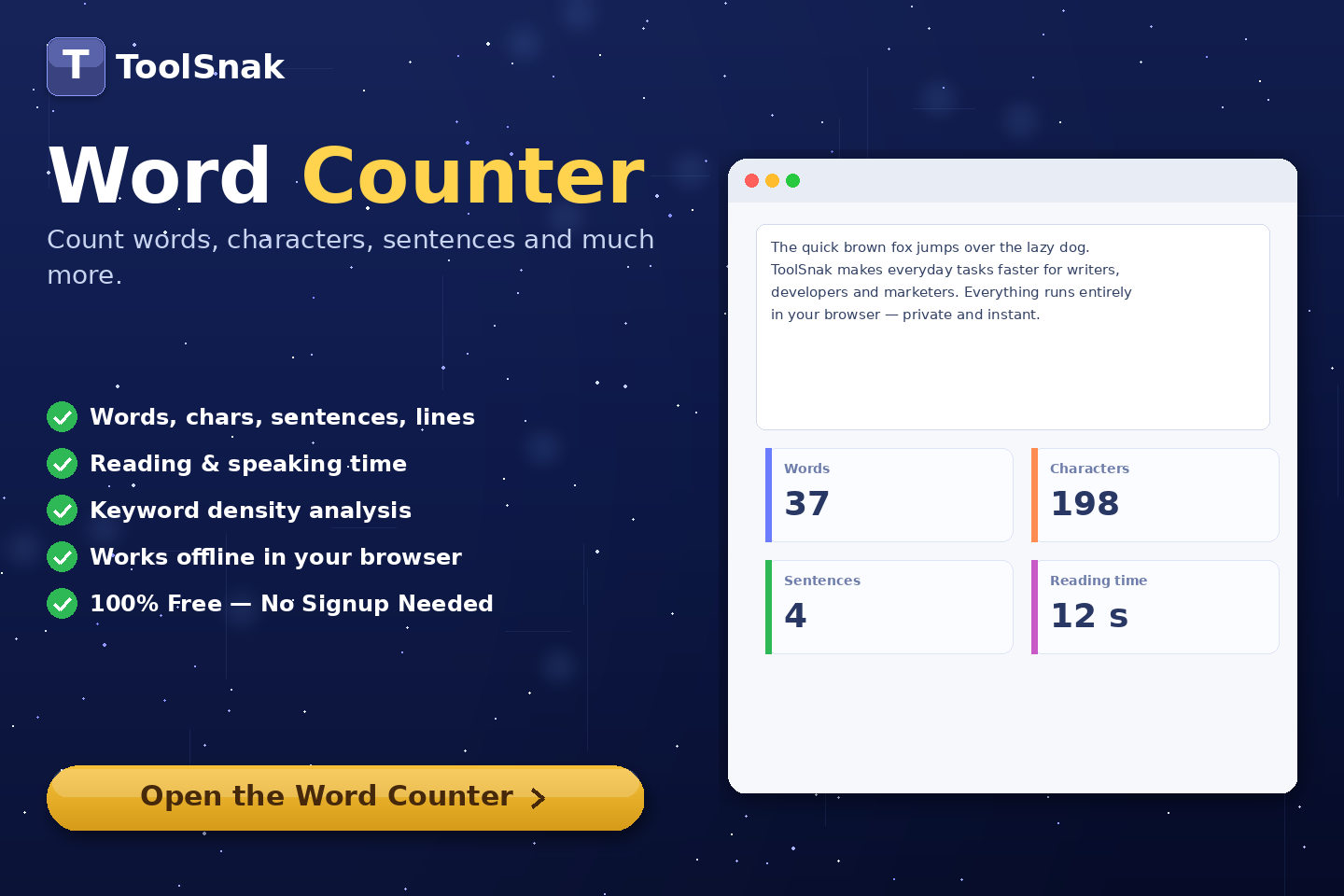
Free Word Counter Online – Count Words, Characters & More | Tool snak
Count words, characters, sentences, paragraphs, and reading time instantly with this free online word counter tool.
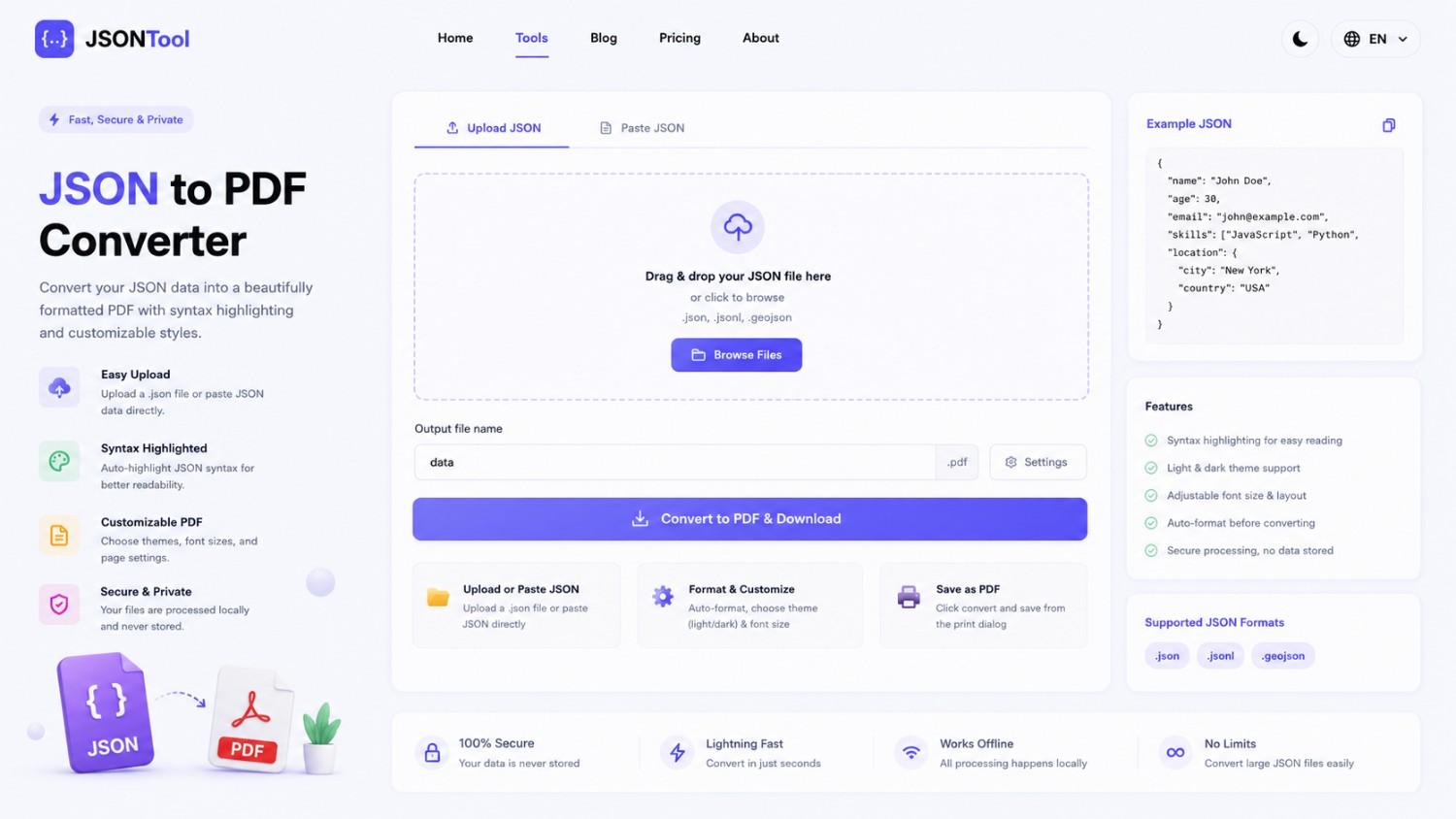
JSON to PDF Converter
Convert JSON files into clean and professional PDF documents instantly online. Fast, secure and free JSON to PDF Converter with formatted output.

Jensen Huang's Strategic Moves to Maintain Nvidia's AI Leadership
Nvidia CEO Jensen Huang outlines plans to sustain the company's dominance in AI amid global challenges, including new technologies, partnerships, and geopolitical considerations.
How to Encode & Decode URLs Online Instantly
Encode and decode URLs instantly with this free online tool. Supports encodeURIComponent and encodeURI for accurate and secure URL conversion. Fast, easy, and no signup required. | Tool snak