



How to Convert HTML File to PDF Online for Free
Convert HTML files to PDF online for free using ToolSnak. Fast, secure, and watermark-free HTML to PDF converter. No signup needed—generate high-quality PDFs instantly.
Convert HTML to PDF Online – Fast, Free & No Watermark
🔗 Official Tool: https://www.toolsnak.com/en/html-to-pdf
Need a fast and reliable way to convert HTML to PDF online without losing formatting?
Whether you're a developer exporting webpages, a student submitting assignments, a freelancer creating portfolios, or a business professional generating reports and invoices, ToolSnak helps you convert HTML files into clean, professional PDF documents within seconds.
Many online HTML to PDF converters either break webpage layouts, ignore CSS styling, reduce quality, or place annoying watermarks on exported files. That’s one of the biggest frustrations users face while trying to generate professional PDFs from HTML code or webpages.
ToolSnak was built to solve exactly that problem.
With ToolSnak’s free HTML to PDF converter, you can convert HTML files, webpage code, and HTML documents into high-quality PDFs while preserving formatting, structure, fonts, styling, tables, and readability. Everything works directly in your browser without registration, software installation, or hidden limitations.
Why Convert HTML to PDF?
HTML works perfectly for websites and dynamic content, but PDF files are easier to share, print, archive, and access consistently across all devices.
Unlike webpages that may appear differently on different browsers or screen sizes, PDF documents preserve the same layout everywhere.
People commonly use HTML to PDF converters for:
- Saving webpages for offline access
- Exporting invoices and reports
- Creating printable resumes
- Sharing HTML email templates
- Preserving webpage formatting
- Converting portfolios into downloadable PDFs
- Student assignments and coding projects
- Business documentation and client reports
A properly generated PDF looks more professional, organized, and easier to distribute.
How to Convert HTML to PDF Online
Using ToolSnak is simple, beginner-friendly, and fast.
Step 1: Upload or Paste HTML Code
Upload your HTML file directly or paste HTML code into the online editor.
You can convert:
- HTML files
- Website pages
- HTML templates
- Webpage source code
- Styled HTML documents
Step 2: Review HTML Layout and CSS
Before converting, make sure your HTML structure and CSS styling are properly configured.
Clean HTML and valid CSS help preserve:
- Fonts
- Colors
- Tables
- Images
- Spacing
- Layout structure
Step 3: Convert HTML to PDF
Click the convert button and let ToolSnak instantly process your HTML document.
The tool automatically generates a downloadable PDF while maintaining formatting consistency and readability.
Step 4: Download Your PDF File
Your high-quality PDF file will be ready within seconds.
No signup. No watermark. No complicated setup.
Key Features of ToolSnak HTML to PDF Converter
⚡ Fast HTML to PDF Conversion
Convert HTML files into downloadable PDFs instantly using a lightweight and optimized online converter.
📄 High-Quality PDF Output
Generate professional PDFs with sharp text, preserved webpage structure, and clean formatting.
🎨 Full CSS and Layout Support
ToolSnak supports HTML and CSS formatting to help preserve:
- Fonts
- Colors
- Tables
- Spacing
- Responsive layouts
- Webpage structure
🚫 No Watermark
Unlike many free PDF converters, ToolSnak keeps your exported documents completely watermark-free.
Your PDF files remain clean, professional, and presentation-ready.
📱 Mobile Friendly
Use the HTML to PDF converter on:
- Desktop
- Laptop
- Tablet
- Smartphone
The tool works smoothly across modern browsers and devices.
🔒 Secure File Processing
Uploaded files are processed securely and automatically removed after conversion to help protect user privacy.
💯 Completely Free
ToolSnak provides free HTML to PDF conversion without hidden charges or registration requirements.
Real-World Use Cases
Convert HTML Resume to PDF
Developers and designers often create resumes in HTML format and export them as professional PDF documents for job applications.
Export Invoices and Reports
Businesses frequently convert invoice webpages and reports into printable PDF files for clients and accounting purposes.
Save Webpages Offline
Store important webpages as PDF documents for offline reading and future access.
Portfolio Sharing
Freelancers and agencies use HTML to PDF tools to create downloadable portfolio PDFs for clients.
Student Assignments and Projects
Students can convert HTML-based coding assignments into submission-ready PDF documents.
Why Formatting Breaks During HTML to PDF Conversion
One of the most common issues users face is broken formatting after conversion.
This usually happens because of:
- Missing CSS files
- Unsupported fonts
- Broken HTML structure
- Incorrect page dimensions
- External assets not loading properly
- Unoptimized webpage layouts
ToolSnak is optimized to preserve webpage formatting and improve PDF consistency during conversion.
ToolSnak vs Other HTML to PDF Converters
| Feature | ToolSnak | Adobe | Canva |
|---|---|---|---|
| Free Usage | Yes | Limited | Limited |
| No Watermark | Yes | Sometimes | Yes |
| Signup Required | No | Yes | Yes |
| Fast Conversion | Yes | Medium | Medium |
| Beginner Friendly | Yes | Moderate | Easy |
| CSS Support | Yes | Partial | Partial |
Best Practices Before Converting HTML to PDF
To get better PDF output quality:
- Use clean HTML structure
- Validate CSS formatting
- Avoid broken image links
- Preview webpage layout before converting
- Use responsive webpage design
- Avoid unsupported fonts when possible
These small improvements can significantly improve PDF quality and formatting consistency.
Related PDF Tools You May Like
- PDF Converter
- Word to PDF Free
- PDF to DOC
- JSON to PDF
- CSV to PDF
- Image to PDF
- Text to PDF
Final Thoughts
If you need a fast, secure, and professional way to convert HTML to PDF online, ToolSnak makes the process simple.
Whether you're saving webpages, exporting invoices, generating reports, creating printable resumes, or converting HTML code into downloadable PDF documents, ToolSnak helps you generate high-quality PDFs without watermark or formatting issues.
👉 Try ToolSnak HTML to PDF Converter now and create professional PDFs in seconds:
https://www.toolsnak.com/en/html-to-pdf
FAQs
How much did you enjoy How to Convert HTML File to PDF Online for Free?
Related Articles
Free Word Counter Online – Count Words, Characters & More | Tool snak
Count words, characters, sentences, paragraphs, and reading time instantly with this free online word counter tool.
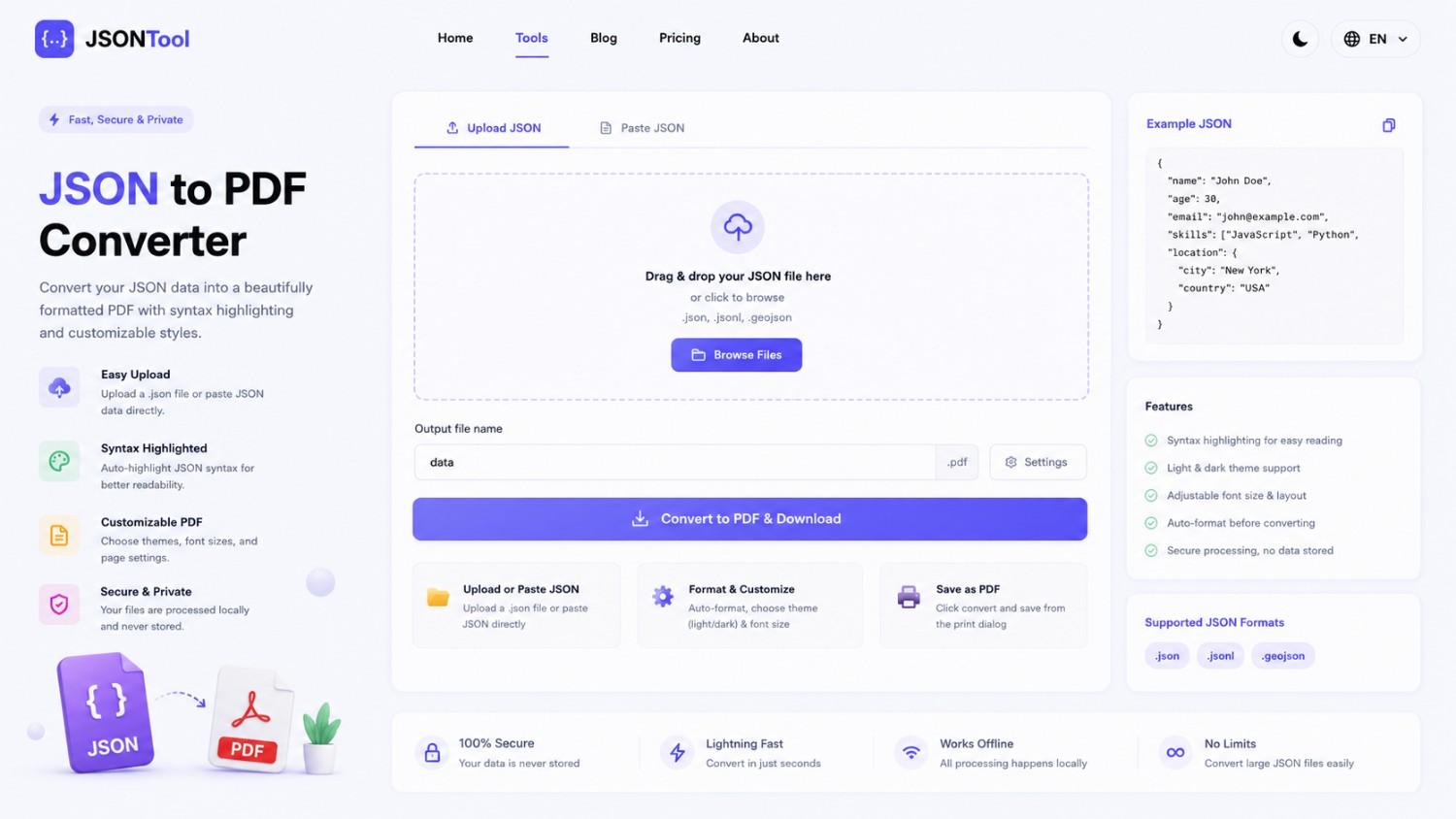
JSON to PDF Converter
Convert JSON files into clean and professional PDF documents instantly online. Fast, secure and free JSON to PDF Converter with formatted output.

Jensen Huang's Strategic Moves to Maintain Nvidia's AI Leadership
Nvidia CEO Jensen Huang outlines plans to sustain the company's dominance in AI amid global challenges, including new technologies, partnerships, and geopolitical considerations.
How to Encode & Decode URLs Online Instantly
Encode and decode URLs instantly with this free online tool. Supports encodeURIComponent and encodeURI for accurate and secure URL conversion. Fast, easy, and no signup required. | Tool snak