



Free Image Converter Tool Online | Tool snak
Convert images online for free. Easily convert JPG, PNG, WebP, and BMP formats with batch support and high-quality output.
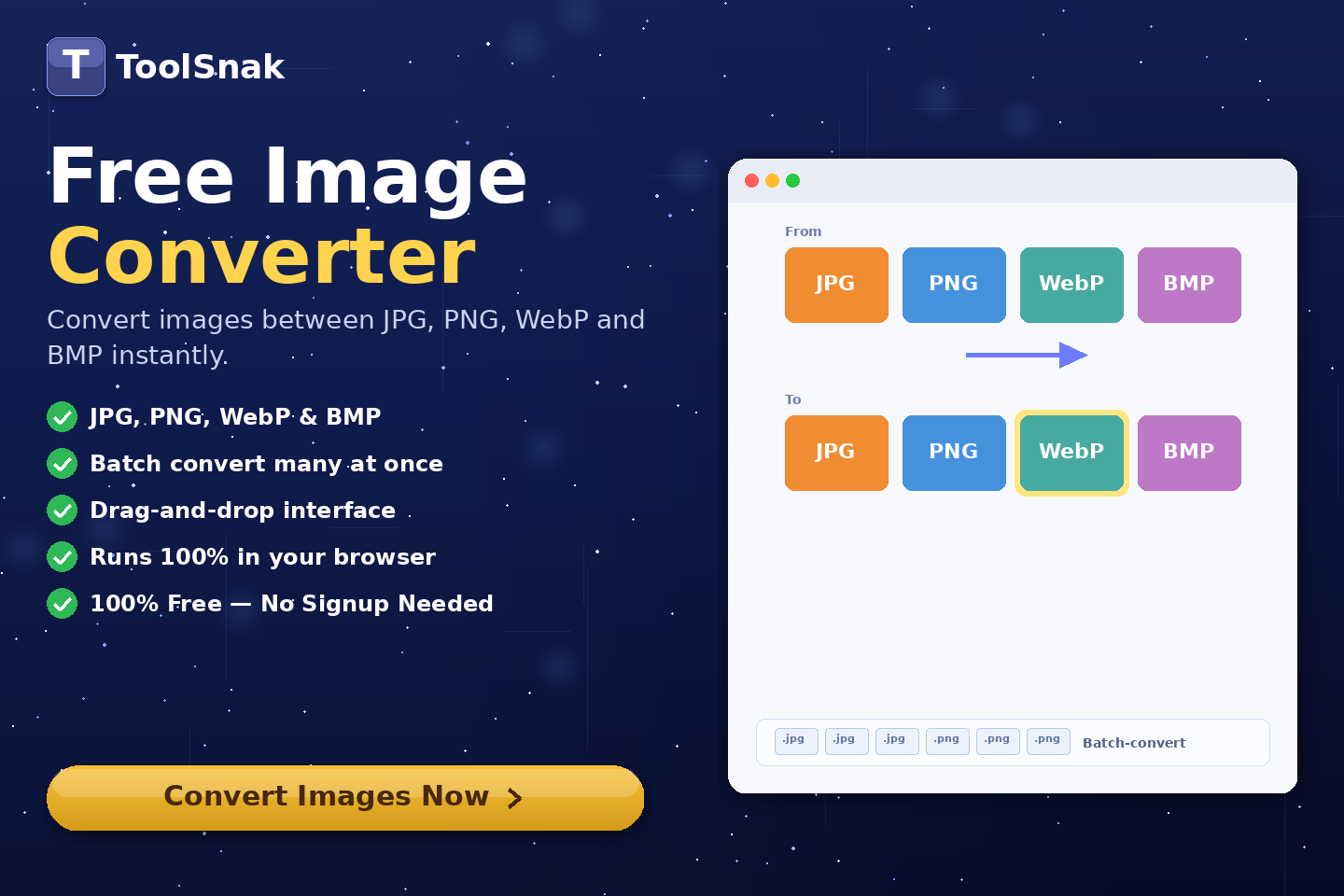
🖼️ What is Image Converter Tool?
Image Converter Tool is a powerful online tool that allows you to convert images between different formats like JPG, PNG, WebP, and BMP instantly. It supports batch conversion and provides high-quality output without uploading files to any server.
This tool is ideal for developers, designers, and website owners who need optimized image formats for better performance.
Click here:-
Image Converter Tool
⚙️ How It Works (Based on Your Tool UI)
Upload Images
- Drag & drop images
- Or click Choose Images
- Supports JPG, PNG, WebP, BMP
- Upload up to multiple files
Select Output Format
- Choose format:
- ✔ JPG
- ✔ PNG
- ✔ WebP
- ✔ BMP
Adjust Output Quality
- Use quality slider (e.g. 90%)
- Applies to JPG/WebP
Batch Conversion
- Convert multiple images at once
- Save time and effort
Convert Images
- Click Convert Images
- Instant processing in browser
Download Output
- Download converted images
- High-quality output ready
🔽 Example Output
| Section | Details |
|---|---|
| Input | JPG/PNG/WebP/BMP |
| Process | Format conversion |
| Quality | Adjustable |
| Output | Converted image |
🧠 Key Features
| Feature | Description |
|---|---|
| 🔄 Format Conversion | Convert between formats |
| ⚡ Batch Processing | Multiple images |
| 🎯 High Quality | Maintain clarity |
| 📦 Compression Ready | Optimized output |
| 🔐 Secure | No upload |
📊 Input and Output
| Input | Output |
|---|---|
| Image file | Converted format |
| Settings | Customized result |
🎯 Advantages
| Advantage | Benefit |
|---|---|
| ✅ Easy | Simple UI |
| ✅ Fast | Instant conversion |
| ✅ Free | No cost |
| ✅ Secure | Browser-based |
| ✅ Flexible | Multiple formats |
🛠️ Use Cases
- Convert images for websites
- Optimize for social media
- Reduce file size
- Change formats for compatibility
- Batch image conversion
🔐 Security & Privacy
✔ No login required
✔ No server upload
✔ 100% browser-based
✔ Private & secure
💡 Why Use This Tool?
Without tool:
- Manual conversion
- Time-consuming
- Limited format support
With tool:
- Instant conversion
- Multiple formats
- High-quality results
🧩 Pro Tips
- Use WebP for best performance
- Keep quality 80–90%
- Batch convert for efficiency
- Choose PNG for transparency
🧾 Conclusion
Image Converter Tool is a powerful solution for quick and efficient image format conversion.
🚀 Start Now
Use this free tool and convert your images instantly.
How much did you enjoy Free Image Converter Tool Online | Tool snak?
Related Articles
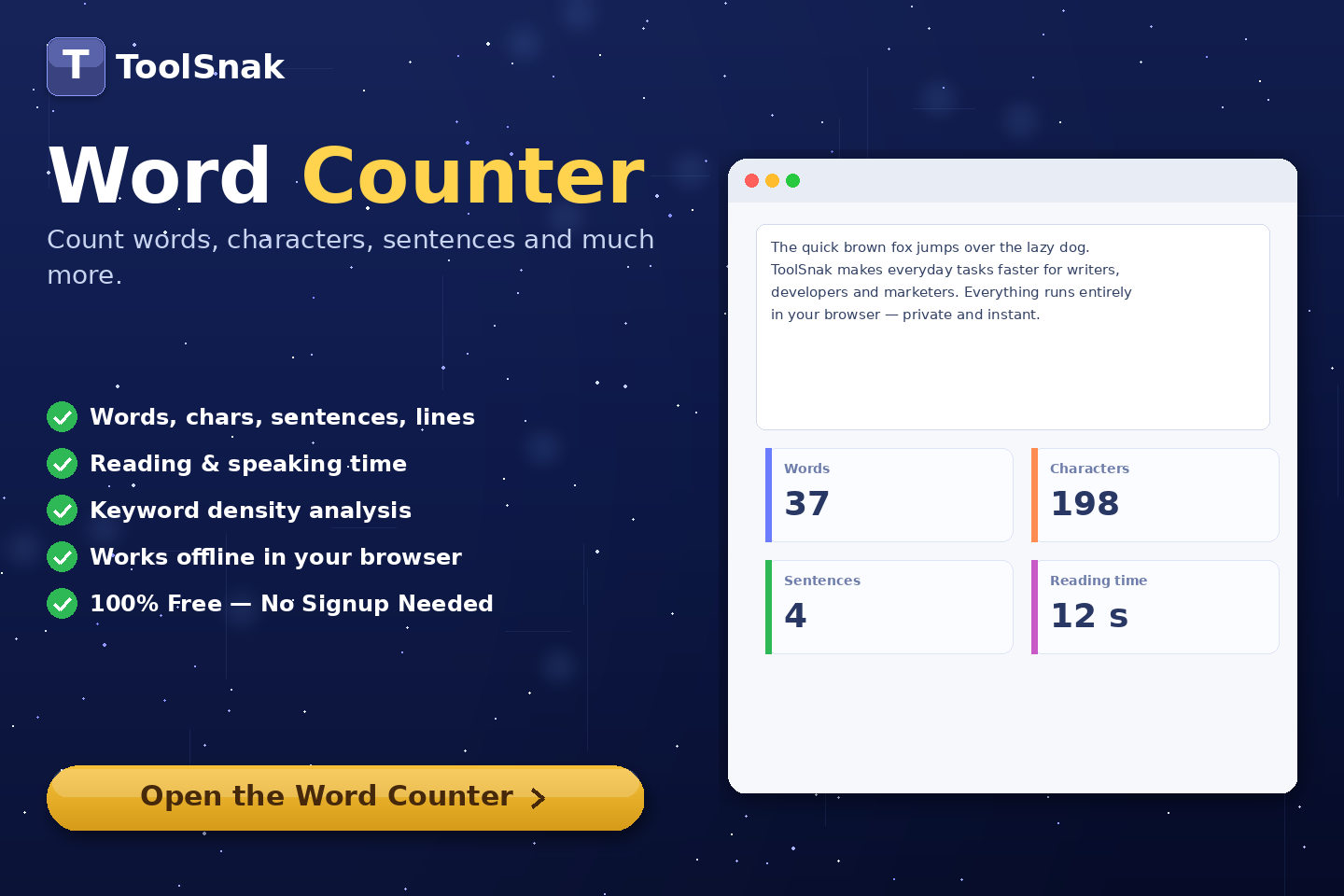
Free Word Counter Online – Count Words, Characters & More | Tool snak
Count words, characters, sentences, paragraphs, and reading time instantly with this free online word counter tool.
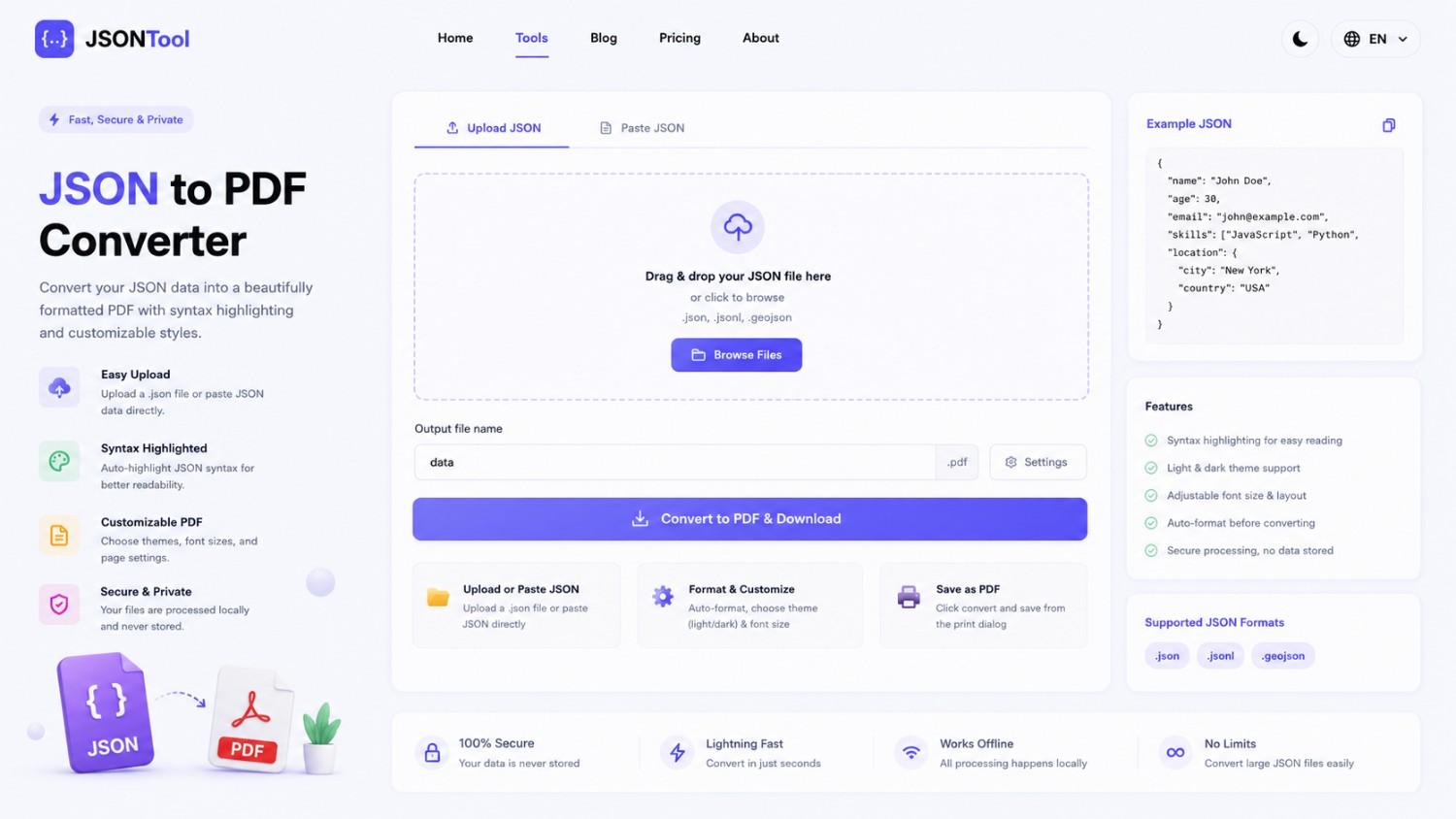
JSON to PDF Converter
Convert JSON files into clean and professional PDF documents instantly online. Fast, secure and free JSON to PDF Converter with formatted output.
Jensen Huang's Strategic Moves to Maintain Nvidia's AI Leadership
Nvidia CEO Jensen Huang outlines plans to sustain the company's dominance in AI amid global challenges, including new technologies, partnerships, and geopolitical considerations.
How to Encode & Decode URLs Online Instantly
Encode and decode URLs instantly with this free online tool. Supports encodeURIComponent and encodeURI for accurate and secure URL conversion. Fast, easy, and no signup required. | Tool snak