



Free Image Resizer & Compressor Tool | Tool snak
Resize and compress images online for free. Adjust dimensions, percentage, quality, format, and apply AI enhancements instantly.
🖼️ What is Image Resizer & Compressor Tool?
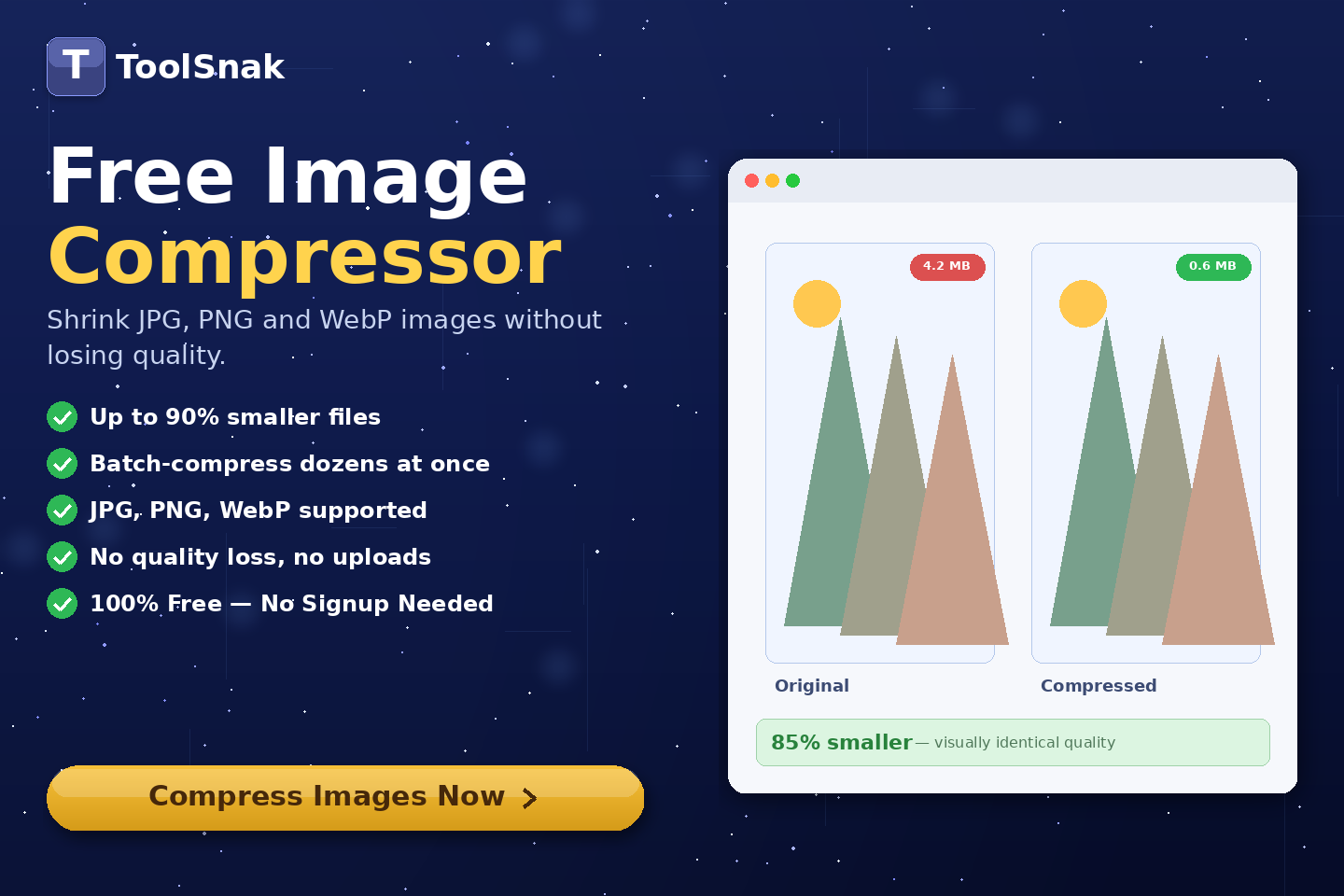
Image Resizer & Compressor is a powerful online tool that allows you to resize, compress, and enhance your images easily. You can adjust image size by percentage or dimensions, apply AI filters, and export in multiple formats.
This tool is perfect for optimizing images for websites, social media, or reducing file size without losing quality.
Click here:-
Image Resizer Tool
⚙️ How It Works (Based on Your Tool UI)
Upload Images
- Drag & drop images
- Or click Add More
- Supports multiple images (batch mode)
Choose Resize Mode
- Select:
- ✔ Percentage (scale image size)
- ✔ Dimensions (set width & height)
- ✔ HD & Social presets
Adjust Scale
- Use slider to resize (e.g. 97%)
- Real-time preview updates
AI Enhance & Filters
- Sharpen image (HD fix)
- Apply blur effect
- Improve visual quality
Export Settings
- Select format:
- ✔ Keep Original
- ✔ JPEG (High Compression)
- ✔ PNG (No Loss)
- ✔ WebP (Next-Gen HD)
Adjust Quality
- Control compression level (e.g. 85%)
- Lower size vs better quality balance
Process & Download
- Click Process & Enhance
- Images processed instantly
- Download optimized images
🔽 Example Output
| Section | Details |
|---|---|
| Input | Original image |
| Resize | Percentage / Dimensions |
| Format | JPEG / PNG / WebP |
| Output | Compressed optimized image |
🧠 Key Features
| Feature | Description |
|---|---|
| 📏 Resize Options | Percentage & custom dimensions |
| ⚡ Batch Processing | Edit multiple images |
| 🎨 AI Filters | Enhance & sharpen |
| 📦 Compression | Reduce file size |
| 🔐 Secure | No upload required |
📊 Input and Output
| Input | Output |
|---|---|
| Image file | Optimized image |
| Settings | Resized + compressed result |
🎯 Advantages
| Advantage | Benefit |
|---|---|
| ✅ Easy | User-friendly UI |
| ✅ Fast | Instant results |
| ✅ Free | No cost |
| ✅ Secure | Browser processing |
| ✅ Flexible | Multiple formats supported |
🛠️ Use Cases
- Website image optimization
- Social media resizing
- Reduce image size
- Improve image quality
- Bulk image processing
🔐 Security & Privacy
✔ No login required
✔ No server upload
✔ Browser-based processing
✔ 100% private
💡 Why Use This Tool?
Without tool:
- Manual editing required
- Time-consuming
- Large file sizes
With tool:
- Instant optimization
- Better performance
- Professional output
🧩 Pro Tips
- Use WebP for best compression
- Keep quality around 70–85%
- Resize before uploading to website
- Use batch mode for speed
🧾 Conclusion
Image Resizer & Compressor is a powerful all-in-one tool to optimize your images efficiently.
🚀 Start Now
Use this free tool and resize or compress your images instantly.
How much did you enjoy Free Image Resizer & Compressor Tool | Tool snak?
Related Articles
Free Word Counter Online – Count Words, Characters & More | Tool snak
Count words, characters, sentences, paragraphs, and reading time instantly with this free online word counter tool.
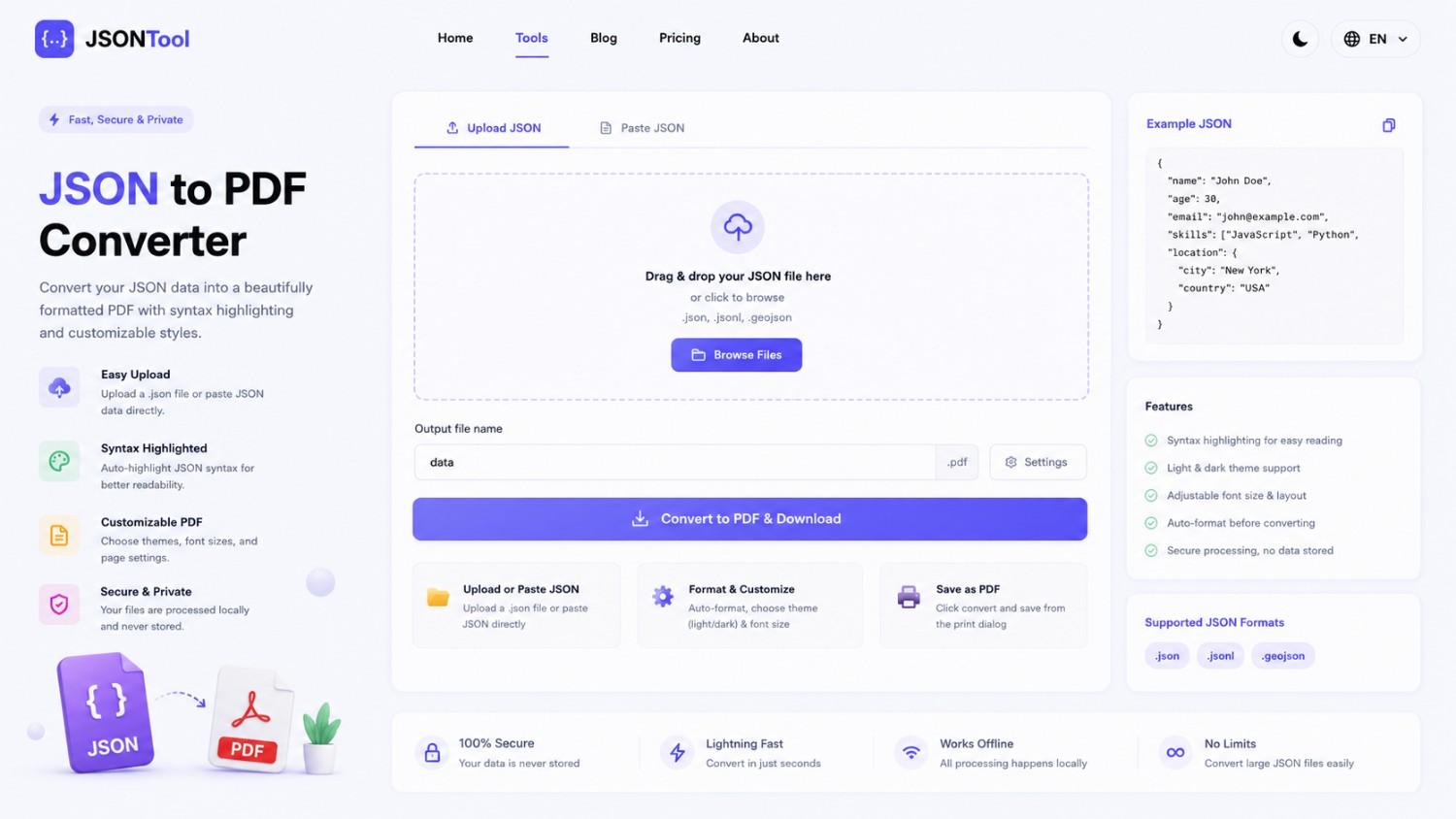
JSON to PDF Converter
Convert JSON files into clean and professional PDF documents instantly online. Fast, secure and free JSON to PDF Converter with formatted output.

Jensen Huang's Strategic Moves to Maintain Nvidia's AI Leadership
Nvidia CEO Jensen Huang outlines plans to sustain the company's dominance in AI amid global challenges, including new technologies, partnerships, and geopolitical considerations.
How to Encode & Decode URLs Online Instantly
Encode and decode URLs instantly with this free online tool. Supports encodeURIComponent and encodeURI for accurate and secure URL conversion. Fast, easy, and no signup required. | Tool snak