



PDF Password Protector – Toolsnak
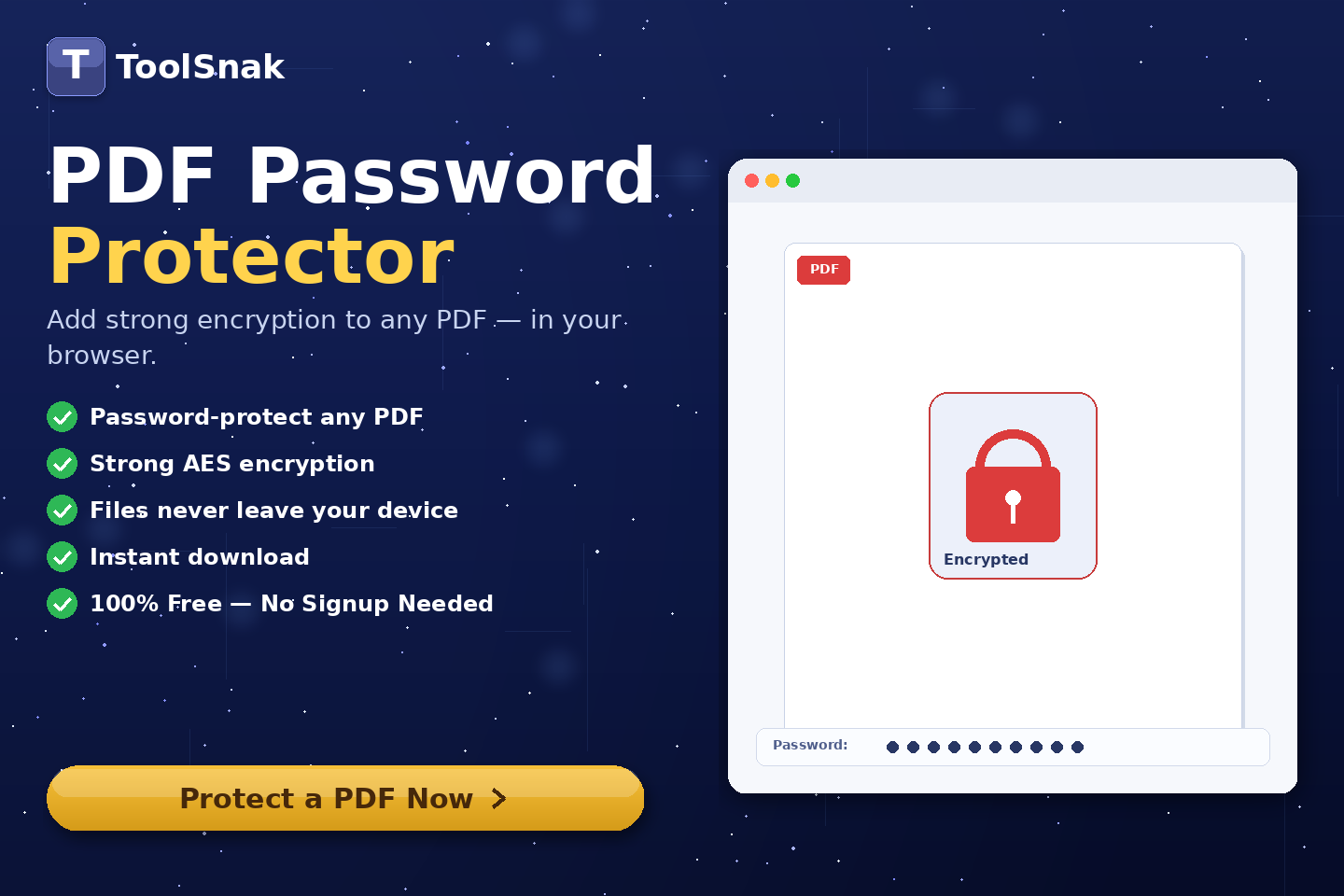
Protect your PDF files instantly with a password using this free online tool. Secure your documents with strong encryption in seconds.
🔐 What is PDF Password Protector?
PDF Password Protector is an online tool that allows you to secure your PDF files by adding a password instantly. It helps protect confidential documents and restrict unauthorized access.
You can set a password to open the PDF and optionally define an owner password to control permissions like editing, printing, and copying.
Click here:-
PDF Password Protector Tool
⚙️ How It Works (Based on Your Tool)
Upload PDF
- Drag & drop your PDF file into the upload area
- Or click Browse to select your file
- The file will appear with its name and size
Set Open Password
- Enter a password to open the PDF
- This password will be required every time the file is opened
Owner Password (Optional)
- Add an optional owner password
- Control permissions such as editing, printing, and copying
- If left empty, it defaults to the open password
Protect PDF
- Click Protect & Download PDF
- The file is encrypted instantly in your browser
Download Protected PDF
- Your secured PDF is generated instantly
- Confirmation message appears after success
- Download the protected file
🔽 Example Output
| Format | Value |
|---|---|
| File | Protected PDF document |
| Access | Password required |
| Permissions | Restricted (optional) |
| Encryption | Strong encryption applied |
🧠 Key Features
| Feature | Description |
|---|---|
| 🔐 Password Protection | Secure your PDF with a password |
| ⚡ Instant Processing | Fast encryption in seconds |
| 🛡 Owner Password | Control file permissions |
| 🚫 No Upload | Processed in your browser |
| 📥 Download Ready | Instant download available |
| 📱 Responsive | Works on all devices |
📊 Input and Output
| Metric | Details |
|---|---|
| Input | PDF file |
| Output | Password protected PDF |
| Password | User defined |
| Permissions | Access restrictions |
🎯 Advantages
| Advantage | Benefit |
|---|---|
| ✅ Secure | Protect sensitive data |
| ✅ Fast | Instant results |
| ✅ Easy | User-friendly interface |
| ✅ Free | 100% free tool |
| ✅ Private | No data stored |
🛠️ Use Cases
- Protect business documents
- Secure personal files
- Send confidential PDFs
- Restrict editing and printing
- Legal and financial documents
🔐 Security
✔ No registration required
✔ No data storage
✔ Browser-based processing
✔ Fully secure
💡 Why is it Important?
Without this tool:
- PDF files are accessible to anyone
- No control over sensitive data
- Risk of data misuse
With this tool:
- Password-protected documents
- Controlled access
- Better data security
🧩 Pro Tips
- Use strong passwords
- Avoid sharing passwords publicly
- Set proper permissions
- Protect important documents
🧾 Conclusion
PDF Password Protector is a simple and effective way to secure your PDF files.
🚀 Start Now
Use this free tool now. No signup required.
How much did you enjoy PDF Password Protector – Toolsnak?
Related Articles
Free Word Counter Online – Count Words, Characters & More | Tool snak
Count words, characters, sentences, paragraphs, and reading time instantly with this free online word counter tool.
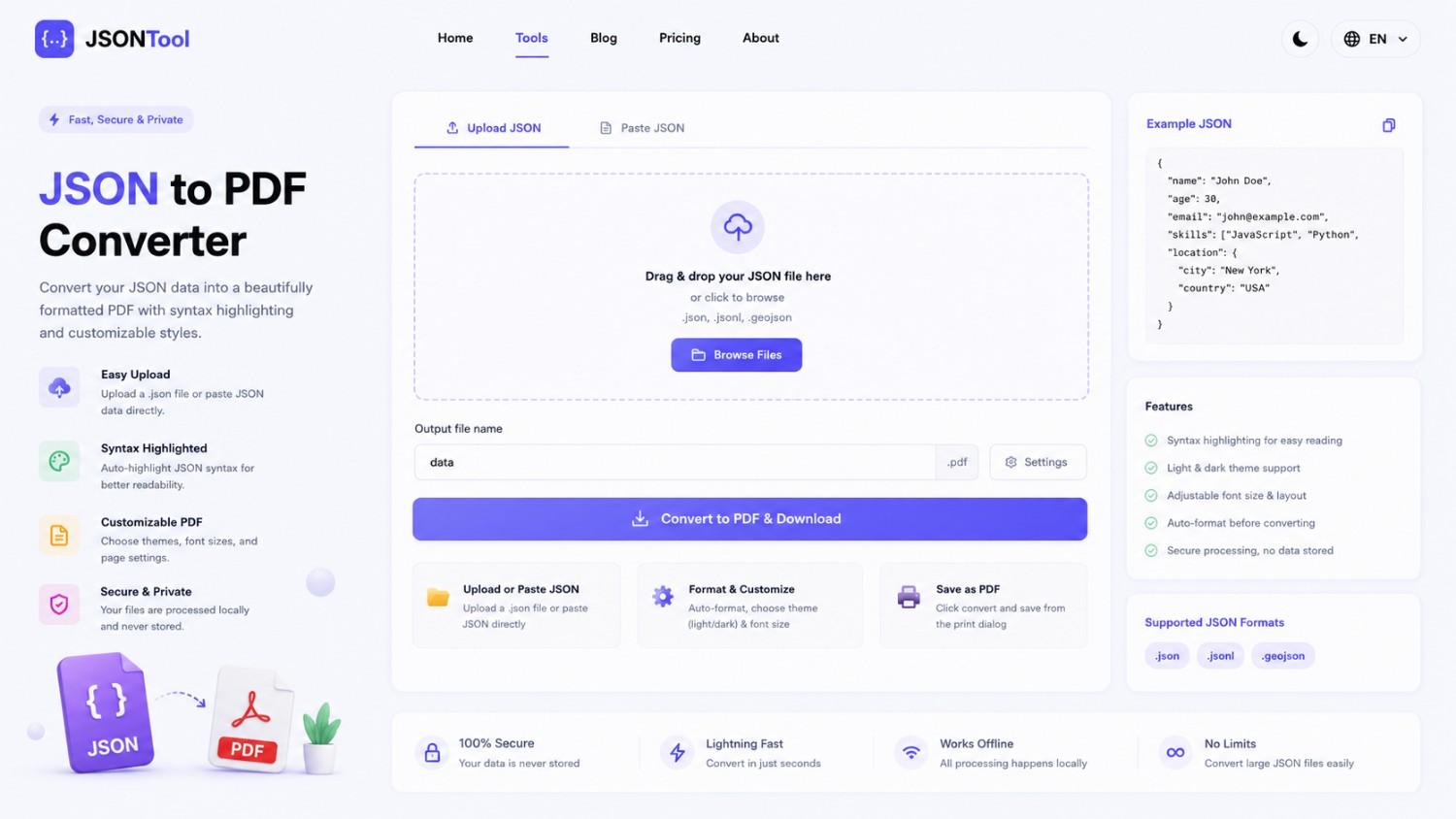
JSON to PDF Converter
Convert JSON files into clean and professional PDF documents instantly online. Fast, secure and free JSON to PDF Converter with formatted output.

Jensen Huang's Strategic Moves to Maintain Nvidia's AI Leadership
Nvidia CEO Jensen Huang outlines plans to sustain the company's dominance in AI amid global challenges, including new technologies, partnerships, and geopolitical considerations.

How to Encode & Decode URLs Online Instantly
Encode and decode URLs instantly with this free online tool. Supports encodeURIComponent and encodeURI for accurate and secure URL conversion. Fast, easy, and no signup required. | Tool snak