



How to Convert PDF to Word for Free (2026 Guide): No Signup, No Watermark
Learn how to convert PDF to Word for free in 2026 without signup or watermark. Step-by-step guide covering online tools, MS Word, Google Docs, scanned PDFs (OCR), and how to keep your formatting intact.
Why You Need to Convert PDF to Word
PDF is perfect for sharing documents because it locks formatting in place across every device. But it becomes a headache the moment you actually need to edit the content. Maybe you have a contract that needs revising, a resume you want to update, or a report that needs new numbers. That is where converting a PDF to Word saves the day.
The good news? You don't need expensive software like Adobe Acrobat to do it. In this guide, we'll cover the fastest and most reliable ways to convert PDF to Word for free in 2026 — including online tools, Microsoft Word, Google Docs, and how to handle tricky scanned PDFs.
Method 1: Use a Free Online PDF to Word Converter (Fastest)
The quickest way to convert a PDF to an editable Word document is using a browser-based tool. No installation, no account, and it works on any device — Windows, Mac, Linux, or even your phone.
Here's how to do it with ToolSnak's free PDF to Word converter:
- Open toolsnak.com/en/pdf-to-word
- Upload your PDF file (or drag and drop it)
- Click Convert
- Download your editable Word (.docx) file
The entire process takes just a few seconds. There's no signup, no watermark, and your tables, images, and formatting stay intact. It's the simplest option for quick, one-off conversions.
Method 2: Convert PDF to Word Using Microsoft Word
If you already have Microsoft Word installed on your laptop, you can convert a PDF directly without any third-party tool:
- Open Word and go to File → Open
- Select your PDF file
- Word will ask permission to convert it — click OK
- Once converted, save it as a .docx file
This method works entirely offline, which makes it a great choice for sensitive documents like contracts or financial records. The trade-off: complex layouts with multiple columns, tables, or custom fonts may shift slightly during conversion.
Method 3: Convert PDF to Word with Google Docs
No Microsoft Word installed? Google Docs is a solid free alternative:
- Upload your PDF to Google Drive
- Right-click the file → Open with → Google Docs
- Go to File → Download → Microsoft Word (.docx)
This works best for text-heavy PDFs. Scanned documents or image-based PDFs may lose some formatting, since Google Docs focuses on extracting editable text rather than rebuilding the exact layout.
What About Scanned PDFs? (OCR Explained)
Not all PDFs are created equal. There are two main types:
- Text-based PDFs — created from a Word document or similar source. These convert cleanly and keep most of their formatting.
- Scanned PDFs — these are essentially images of text. To convert them, you need OCR (Optical Character Recognition), which detects and extracts the text from the image.
For scanned documents, make sure your tool supports OCR. For best results on critical legal or medical files, a quick manual cleanup pass in Word after conversion is always a smart move.
Comparison: Free PDF to Word Methods
| Method | Best For | Signup Needed | Works Offline |
|---|---|---|---|
| Online Converter (ToolSnak) | Quick conversions on any device | No | No |
| Microsoft Word | Sensitive / private documents | No | Yes |
| Google Docs | Text-heavy PDFs | Yes (Google account) | No |
Tips to Keep Your Formatting Intact
- Use a tool that rebuilds document structure, not just raw text.
- For complex layouts (columns, tables, footnotes), expect a small cleanup pass afterward.
- Compress large PDFs before converting if your tool has a file size limit.
- Always review the converted Word file before sharing it.
Conclusion
Converting a PDF to Word for free is easier than ever in 2026. For most people, a browser-based online converter is the fastest and most convenient option — there's nothing to install and it works on any device. If you're dealing with confidential files, an offline method like Microsoft Word is the safer choice.
Ready to convert? Try the free ToolSnak PDF to Word converter — no signup, no watermark, and your file is ready to edit in seconds.
FAQs
How much did you enjoy How to Convert PDF to Word for Free (2026 Guide): No Signup, No Watermark?
Related Articles
Free Word Counter Online – Count Words, Characters & More | Tool snak
Count words, characters, sentences, paragraphs, and reading time instantly with this free online word counter tool.
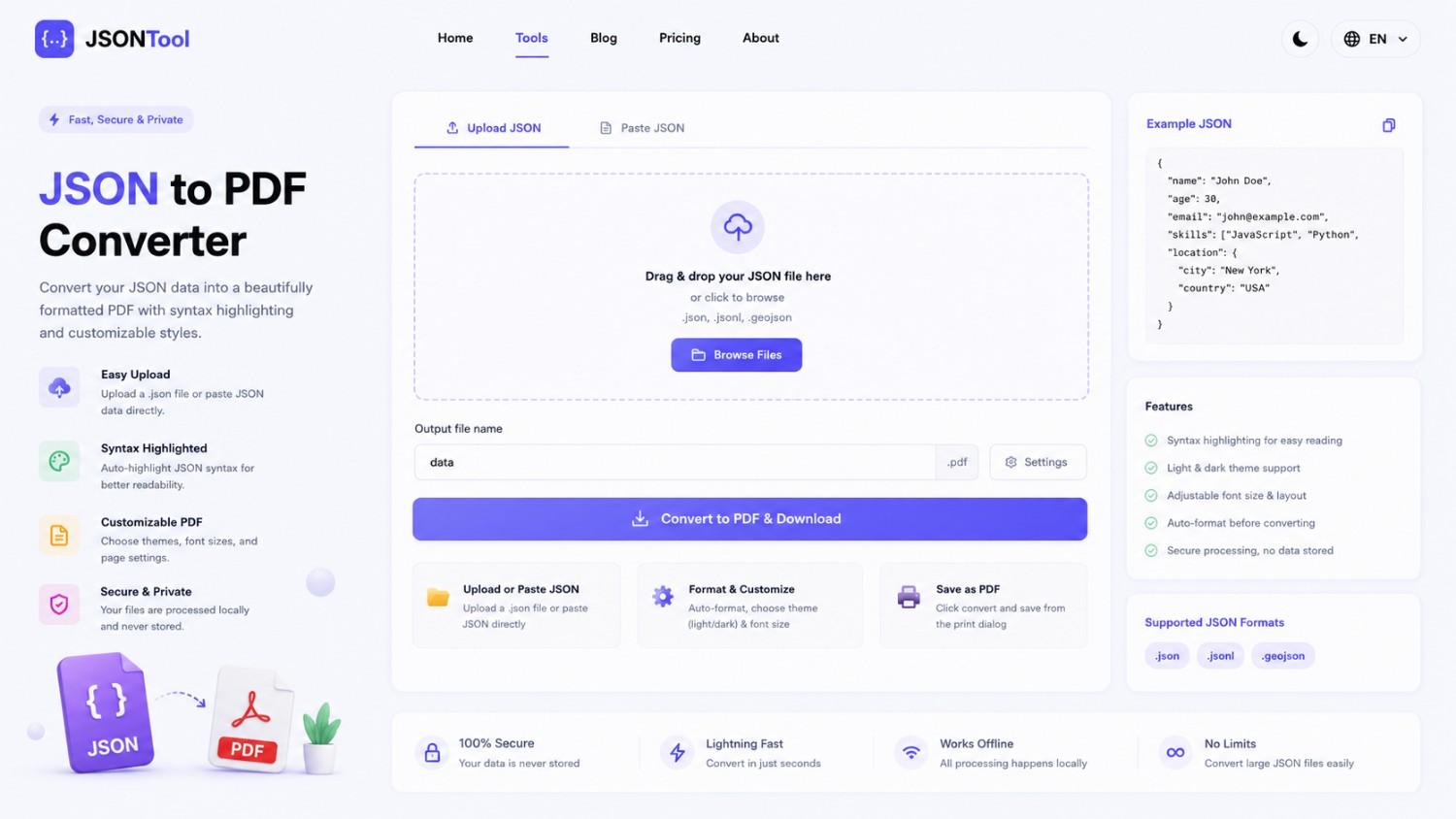
JSON to PDF Converter
Convert JSON files into clean and professional PDF documents instantly online. Fast, secure and free JSON to PDF Converter with formatted output.

Jensen Huang's Strategic Moves to Maintain Nvidia's AI Leadership
Nvidia CEO Jensen Huang outlines plans to sustain the company's dominance in AI amid global challenges, including new technologies, partnerships, and geopolitical considerations.
How to Encode & Decode URLs Online Instantly
Encode and decode URLs instantly with this free online tool. Supports encodeURIComponent and encodeURI for accurate and secure URL conversion. Fast, easy, and no signup required. | Tool snak