



Text Case Converter
Convert text instantly into uppercase, lowercase, title case, sentence case, and more with this fast and free online text case converter.
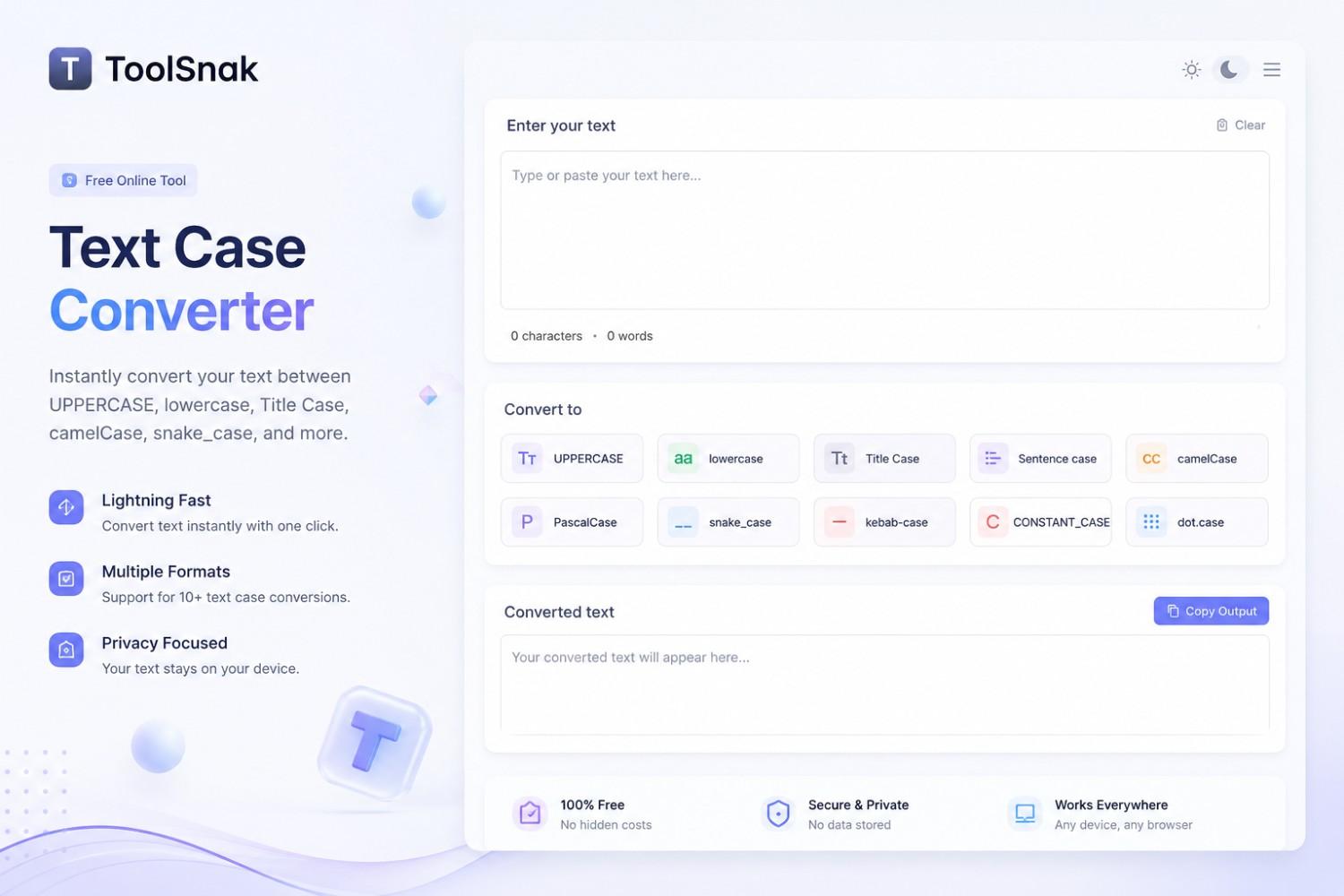
🔤 Text Case Converter – Instantly Change Text Format Online
The Text Case Converter by ToolSnak is a fast, professional, and easy-to-use online tool that allows users to instantly transform text into different letter cases within seconds.
Whether you need to convert text into UPPERCASE, lowercase, Title Case, Sentence case, or alternate styles, this tool helps save time and improve writing productivity.
It is ideal for students, writers, developers, bloggers, marketers, and professionals who regularly work with text formatting.
Use the tool now :-
Text Case Converter
🚀 What is a Text Case Converter?
A Text Case Converter is an online utility that changes the formatting style of letters in your text automatically.
Instead of manually editing every word, users can instantly apply different text styles with one click.
This tool supports multiple conversion formats including:
- UPPERCASE
- lowercase
- Title Case
- Sentence case
- Capitalize Each Word
- aLtErNaTiNg CaSe
The converter updates text instantly and works directly inside your browser.
⚙️ Main Features of ToolSnak Text Case Converter
| Feature | Benefit |
|---|---|
| ⚡ Instant Conversion | Change text format in real time |
| 🔠 Multiple Case Styles | Uppercase, lowercase, title & more |
| 📋 One-Click Copy | Copy converted text instantly |
| 📱 Responsive Design | Works on mobile & desktop |
| 🎯 Easy Interface | Simple and beginner-friendly |
| 💯 Free to Use | No signup required |
| 🔐 Secure | No text data stored |
🧠 Supported Text Case Formats
🔹 UPPERCASE
Converts all letters into capital letters.
Example: HELLO WORLD
🔹 lowercase
Converts all letters into small letters.
Example: hello world
🔹 Title Case
Capitalizes the first letter of each word.
Example: Hello World
🔹 Sentence case
Capitalizes only the first letter of each sentence.
Example: Hello world.
🔹 aLtErNaTiNg CaSe
Alternates uppercase and lowercase letters.
Example: HeLlO WoRlD
🎯 Why People Use Text Case Converters
Text formatting is important for readability, professionalism, and content presentation.
People use text case converters for:
- Writing blog titles
- Formatting social media posts
- Editing essays and assignments
- Programming and coding
- Creating professional documents
- Email formatting
- SEO content writing
Manual formatting takes time and often creates mistakes. ToolSnak automates the entire process instantly.
💼 Perfect for Students, Writers & Developers
This tool is ideal for:
- Students
- Bloggers
- Content creators
- Copywriters
- Developers
- SEO experts
- Digital marketers
- Office professionals
The simple interface allows anyone to convert text cases without technical knowledge.
📱 Mobile-Friendly & Fast
The ToolSnak Text Case Converter is fully optimized for smartphones, tablets, and desktop devices.
Users can quickly edit and format text anywhere without downloading software.
🌍 Why Choose ToolSnak?
Many text conversion websites are overloaded with ads and complicated interfaces. ToolSnak provides a clean, modern, and distraction-free experience focused on speed and usability.
The tool works directly inside the browser and delivers instant results.
🔐 Privacy & Security
All text conversions happen directly inside your browser.
✔ No signup required
✔ No text uploaded
✔ No tracking
✔ 100% secure
💡 Why Use This Tool?
Without ToolSnak:
- Manual formatting takes time
- Higher chance of typing mistakes
- Difficult to maintain consistency
With ToolSnak:
- Instant text formatting
- Professional writing styles
- Easy copy & paste workflow
- Works on all devices
🧾 Conclusion
The ToolSnak Text Case Converter is more than a simple formatting tool. It is a complete text transformation solution for students, professionals, writers, developers, and digital creators.
With instant conversion, multiple formatting styles, and a modern user experience, it helps users save time and improve productivity.
🚀 Start Converting Text Now
Use the free ToolSnak Text Case Converter and instantly transform your text into professional formats online.
How much did you enjoy Text Case Converter?
Related Articles
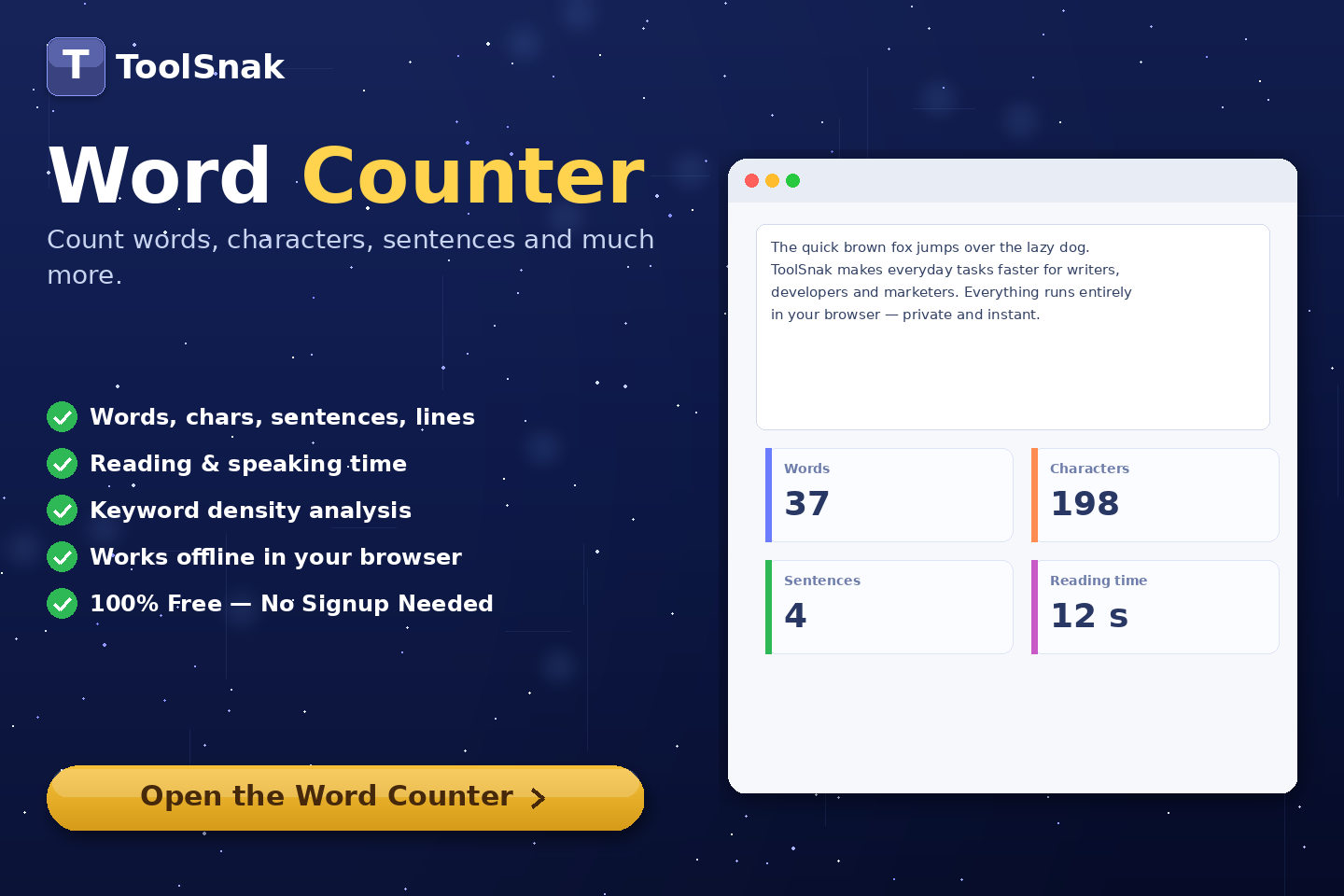
Free Word Counter Online – Count Words, Characters & More | Tool snak
Count words, characters, sentences, paragraphs, and reading time instantly with this free online word counter tool.
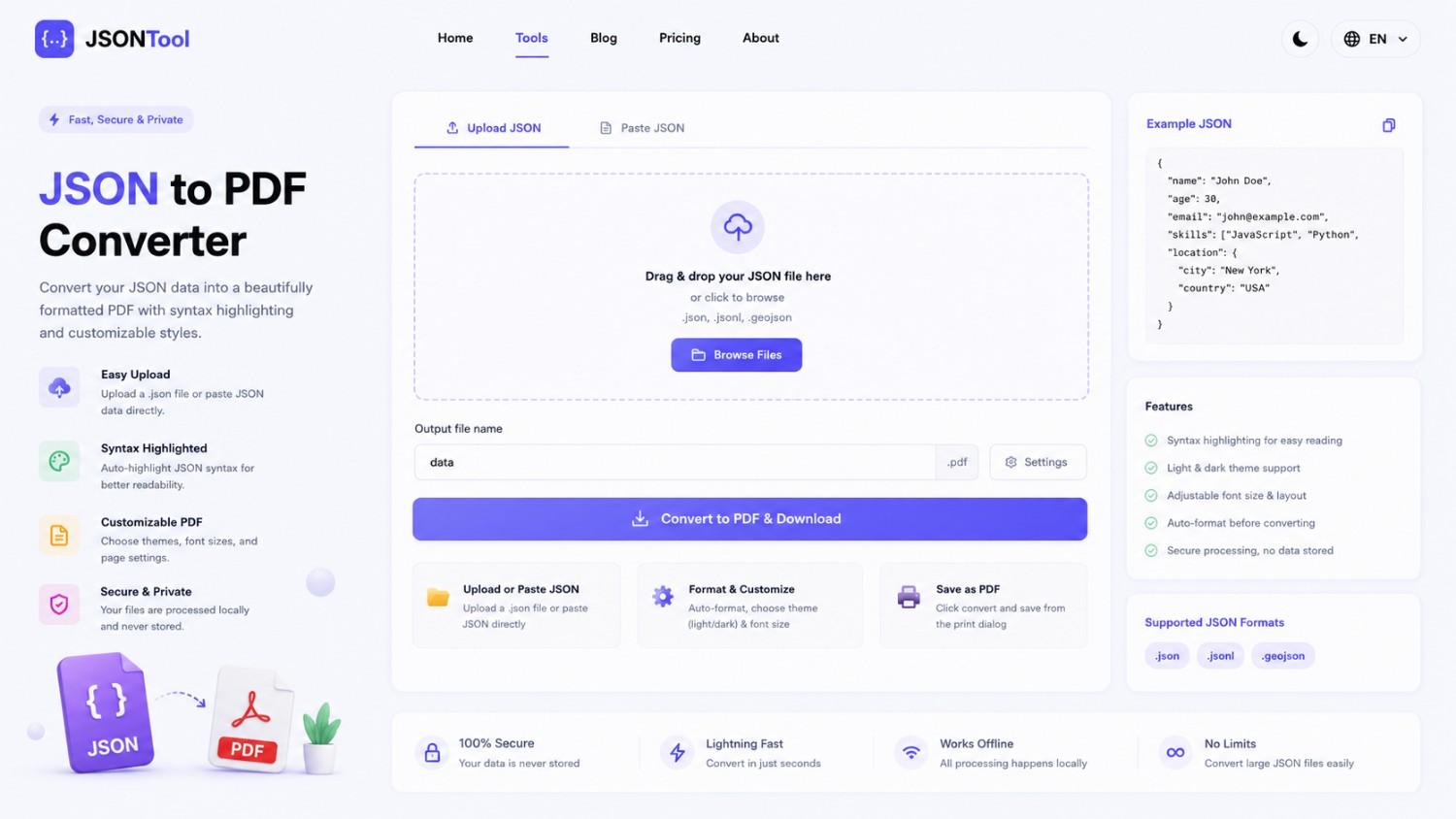
JSON to PDF Converter
Convert JSON files into clean and professional PDF documents instantly online. Fast, secure and free JSON to PDF Converter with formatted output.

Jensen Huang's Strategic Moves to Maintain Nvidia's AI Leadership
Nvidia CEO Jensen Huang outlines plans to sustain the company's dominance in AI amid global challenges, including new technologies, partnerships, and geopolitical considerations.

How to Encode & Decode URLs Online Instantly
Encode and decode URLs instantly with this free online tool. Supports encodeURIComponent and encodeURI for accurate and secure URL conversion. Fast, easy, and no signup required. | Tool snak