



Best Markdown to PDF Converter Online Free (No Signup)
Convert Markdown to PDF instantly with a free AI-powered tool. No signup, unlimited usage, secure and fast for developers and professionals.
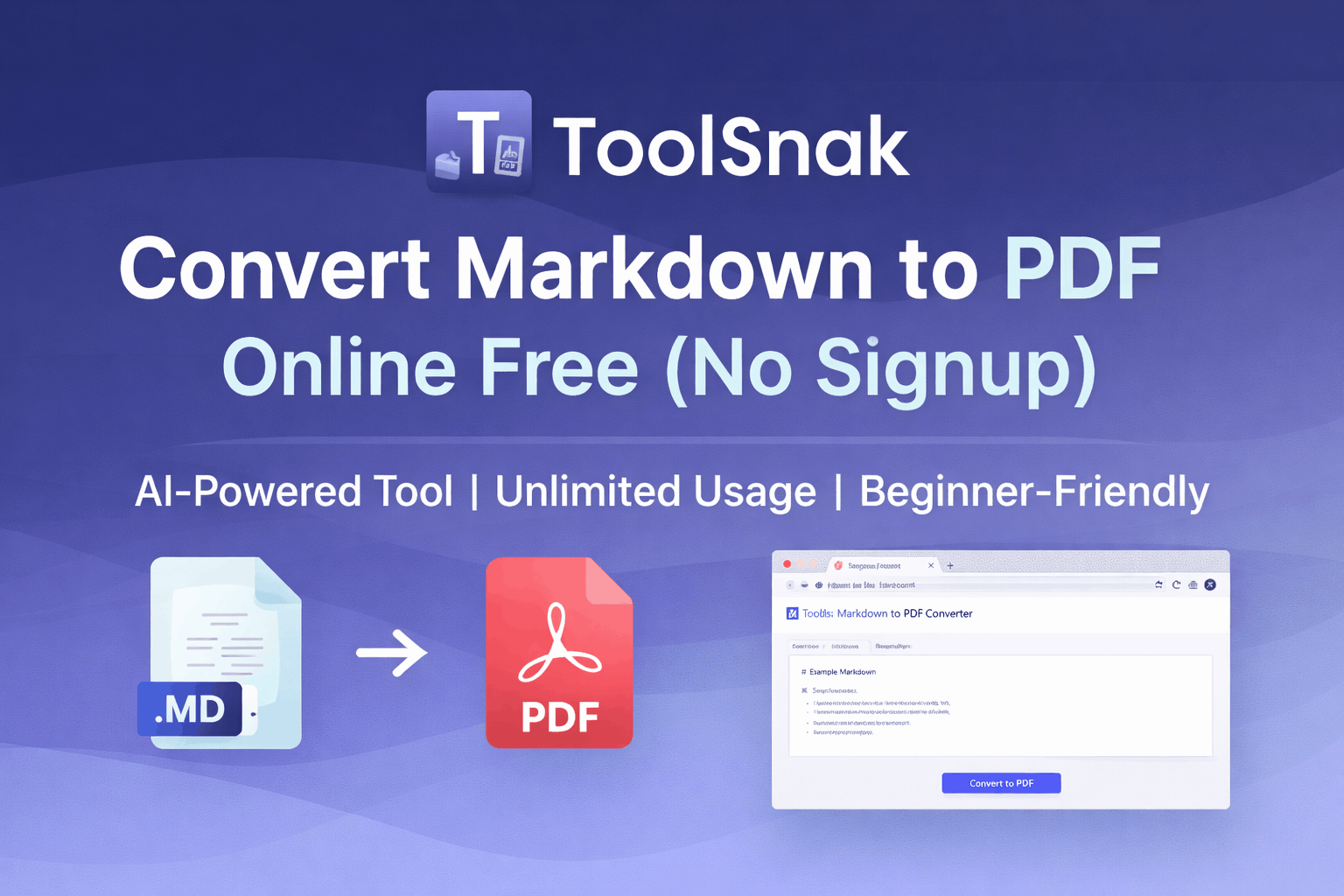
Best Markdown to PDF Converter Online Free (No Signup Required)
In 2026, Markdown has become the preferred format for developers, technical writers, SaaS teams, and content creators. It is simple, lightweight, and perfect for structured writing. However, when it comes to sharing, printing, or presenting documents professionally, PDF is still the global standard.
If you are looking for a fast, secure, and AI-powered Markdown to PDF converter, ToolSnak provides one of the best solutions available online — completely free, with no signup and unlimited usage.
What is a Markdown to PDF Converter?
A Markdown to PDF converter is a tool that transforms Markdown (.md) files into professionally formatted PDF documents. It ensures your headings, code blocks, lists, tables, and formatting are preserved.
ToolSnak goes one step further by using AI-powered document processing to enhance formatting, spacing, and readability automatically.
Why This Tool is Essential in 2026
With the rise of remote work, SaaS platforms, and developer ecosystems, Markdown is widely used for documentation, reports, and content creation. However, Markdown is not ideal for sharing outside technical environments.
PDF remains the most trusted format for:
- Business reports
- Client documentation
- Academic submissions
- Professional presentations
This tool bridges that gap by offering instant Markdown to PDF conversion online without requiring any technical setup.
Key Features (Why It Stands Out)
- 100% Free Tool: No hidden fees or premium lock
- No Signup Required: Start instantly
- Unlimited Usage: Convert unlimited files
- AI-Powered Formatting: Clean, professional output
- Secure File Conversion: No data stored
- Fast Processing: Convert in seconds
How to Convert Markdown to PDF (Step-by-Step Guide)
- Open the tool: Markdown to PDF Converter
- Upload your Markdown file or paste your content
- Click the Convert to PDF button
- Let the AI process your file
- Download your PDF instantly
AI-Powered Document Conversion (Advanced Feature)
Unlike traditional converters, ToolSnak uses intelligent algorithms to optimize your document layout. This includes:
- Proper heading hierarchy
- Clean typography
- Optimized spacing
- Code block formatting
This makes it an excellent AI document converter for developers and professionals.
Who Should Use This Tool?
- Developers creating documentation
- SaaS teams preparing reports
- Students submitting assignments
- Technical writers
- Content creators and bloggers
Free vs Paid Markdown to PDF Tools
Many tools in the market require subscriptions or limit usage. ToolSnak provides a completely free alternative with no limitations.
- No watermark
- No usage limits
- No account required
- Enterprise-level output quality
Secure & Cloud-Based Conversion
This tool works directly in your browser, meaning you do not need to install any software. It also ensures secure file conversion online, making it suitable for professional use.
Why Developers Prefer Markdown
Markdown is widely used because it is simple, readable, and efficient. It integrates easily with platforms like GitHub and documentation systems.
With ToolSnak, you can now convert that content into professional PDFs instantly.
Start Using the Tool Now
Ready to convert your Markdown files into high-quality PDFs?
Conclusion
The ToolSnak Markdown to PDF converter is one of the best free tools available in 2026. It combines speed, simplicity, and AI-powered performance to deliver high-quality results.
Whether you are a beginner or a professional, this tool helps you save time and create polished documents effortlessly.
How much did you enjoy Best Markdown to PDF Converter Online Free (No Signup)?
Related Articles
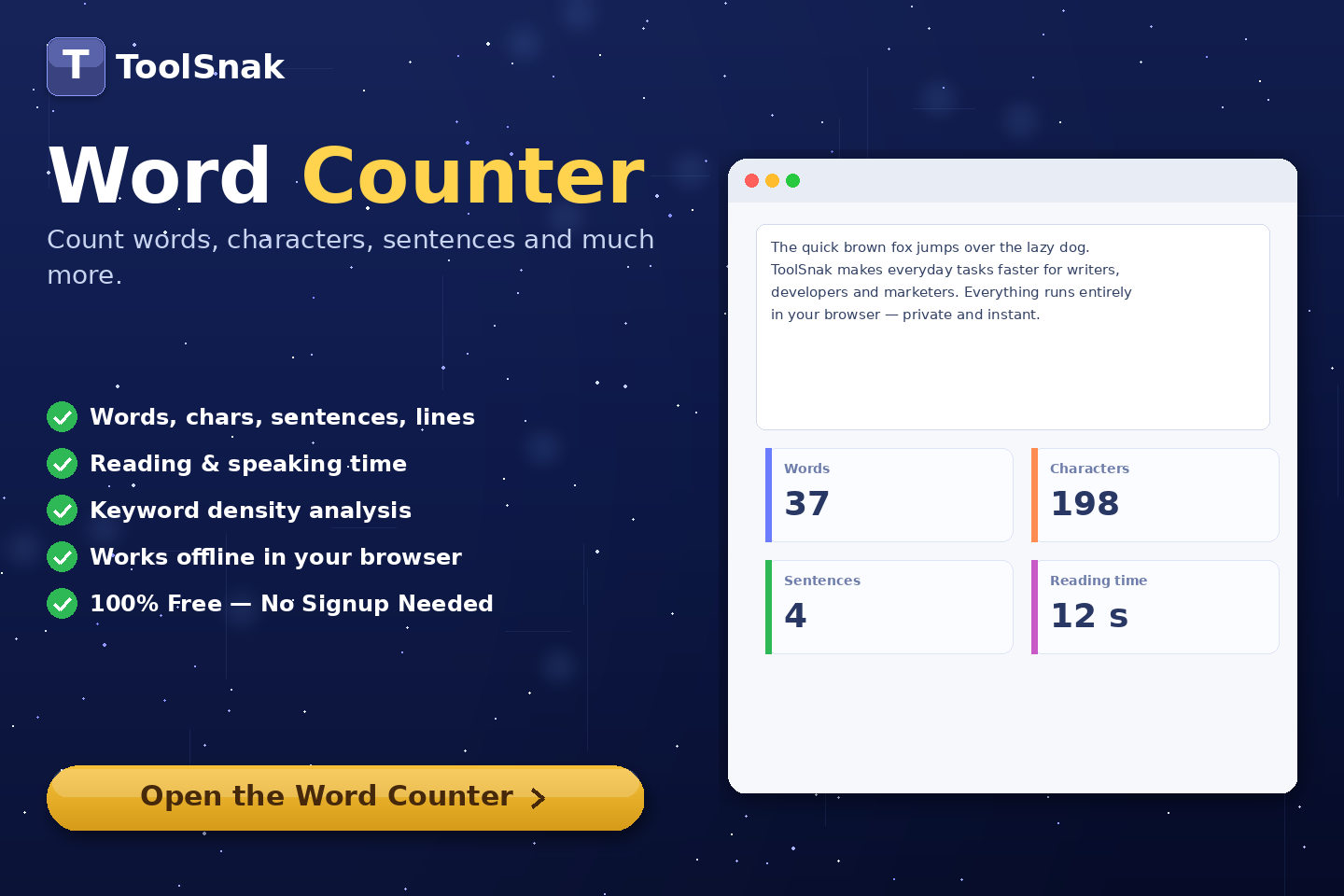
Free Word Counter Online – Count Words, Characters & More | Tool snak
Count words, characters, sentences, paragraphs, and reading time instantly with this free online word counter tool.
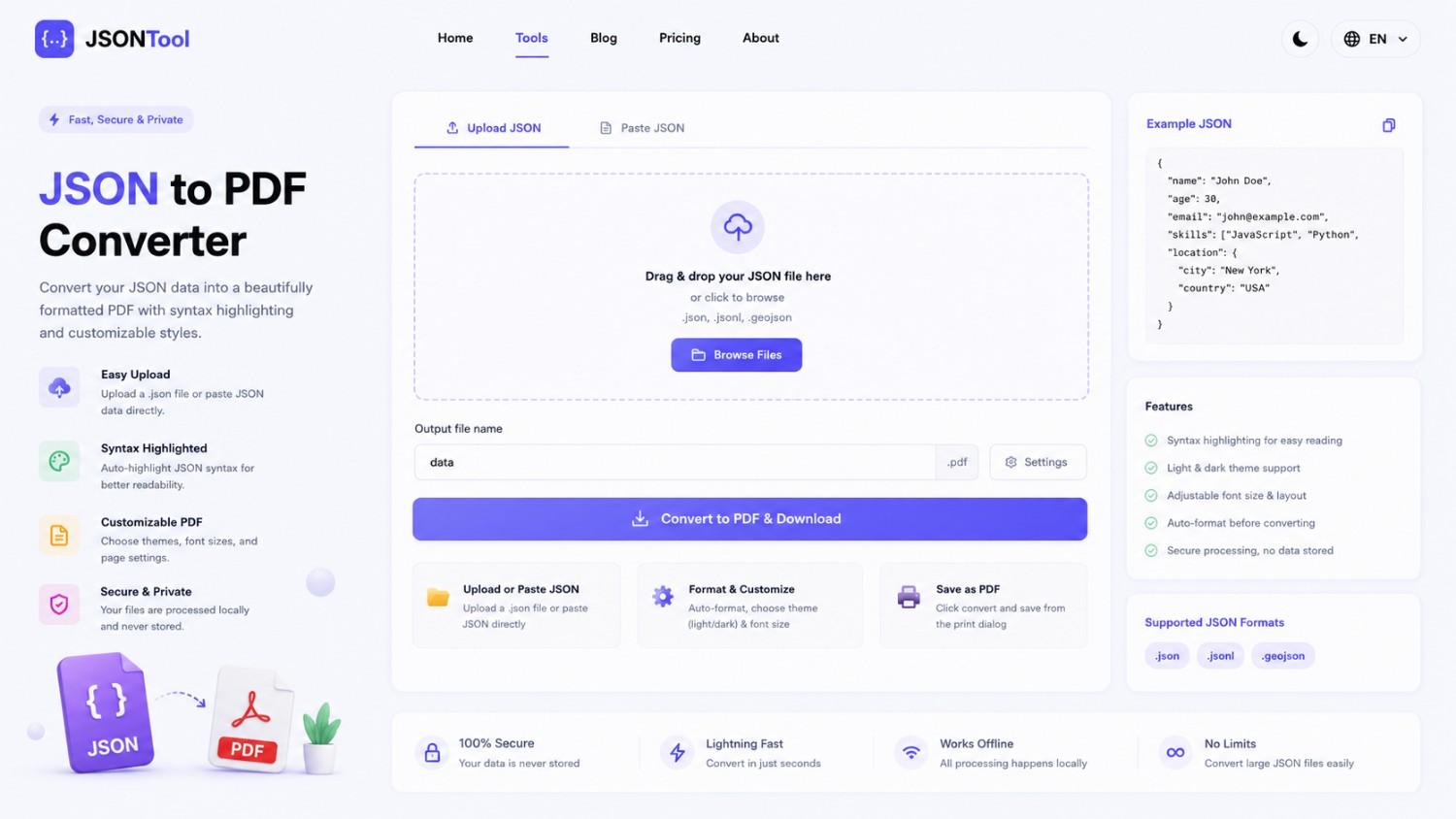
JSON to PDF Converter
Convert JSON files into clean and professional PDF documents instantly online. Fast, secure and free JSON to PDF Converter with formatted output.
Jensen Huang's Strategic Moves to Maintain Nvidia's AI Leadership
Nvidia CEO Jensen Huang outlines plans to sustain the company's dominance in AI amid global challenges, including new technologies, partnerships, and geopolitical considerations.
How to Encode & Decode URLs Online Instantly
Encode and decode URLs instantly with this free online tool. Supports encodeURIComponent and encodeURI for accurate and secure URL conversion. Fast, easy, and no signup required. | Tool snak