



How to Convert JSON to CSV for Free (2026 Guide): Fast, No Signup
Learn how to convert JSON to CSV for free in 2026. Step-by-step guide for developers and analysts covering online tools, nested JSON, opening CSV in Excel & Google Sheets, and keeping your data private.
Why Convert JSON to CSV?
JSON is everywhere. APIs return it, databases export it, and config files are full of it. The problem? The moment you need to actually look at that data — sort it, filter it, share it with a teammate who doesn't code — JSON becomes a headache. Nested brackets and key-value pairs are great for machines, but terrible for spreadsheets.
That's where CSV comes in. Convert your JSON to CSV and suddenly your data opens cleanly in Excel or Google Sheets, ready to sort, chart, and share. In this guide I'll walk through the fastest free ways to do it in 2026 — plus how to handle the tricky part most tools get wrong: nested JSON.
The Fastest Way: A Free Online JSON to CSV Converter
If you just want it done in seconds, an online tool is the way to go. No installs, no command line, no signup — it works right in your browser on any device.
Here's how with ToolSnak's free JSON to CSV converter:
- Open toolsnak.com/en/json-to-csv
- Paste your JSON, or drag and drop a .json file
- Click Convert to CSV
- Download your clean CSV file
Each object in your JSON array becomes a row, and each key becomes a column header. It's free, there's no signup, and the conversion happens in your browser — so your data stays with you. Perfect for a quick one-off conversion when you just need the result.
How JSON Maps to CSV (Quick Example)
Understanding the mapping helps you spot problems early. Take this JSON:
[ { "name": "Alice", "age": 30 }, { "name": "Bob", "age": 25 } ]
It converts to this CSV:
| name | age |
|---|---|
| Alice | 30 |
| Bob | 25 |
Simple, right? The first row is your header (the keys), and every object becomes a row. This clean mapping works perfectly when your JSON is a flat array of objects.
The Tricky Part: Nested JSON
Real-world JSON is rarely flat. You'll often see nested objects like this:
{ "name": "Alice", "address": { "city": "NYC", "zip": "10001" } }
Most converters handle nesting in one of two ways:
- Stringify it — the nested object gets dumped into a single cell as text. Quick, but messy to work with later.
- Flatten it — the nested keys become their own columns (e.g. address.city and address.zip). This is usually what you want for analysis.
If your JSON is deeply nested, flatten it first so each piece of data lands in its own column. A clean structure going in means a clean spreadsheet coming out.
Opening Your CSV in Excel or Google Sheets
Once you've got the CSV, using it is easy:
- Google Sheets: File → Import → Upload, then choose your CSV. Done.
- Excel: Just double-click the file, or use Data → From Text/CSV for more control over delimiters.
One thing to watch: if you see garbled or accented characters, make sure your CSV is saved as UTF-8. A good converter handles this automatically.
Common Use Cases
- API responses: Turn raw API output into a readable table for reporting.
- Data analysis: Get JSON into Excel or Sheets where you can sort, filter, and chart.
- Database imports: Many databases accept CSV imports far more easily than JSON.
- Sharing with non-developers: A spreadsheet is something anyone on your team can read.
Tips for a Clean Conversion
- Validate your JSON first — a missing bracket or comma will break the conversion. Run it through a JSON formatter if you're unsure.
- Make sure your JSON is an array of objects for the cleanest table output.
- For nested data, decide whether you want it flattened or stringified before you convert.
- Check the column headers in the output match your keys before importing anywhere important.
Conclusion
Converting JSON to CSV doesn't need to be complicated. For most people — developers, analysts, or anyone wrangling API data — a free browser-based converter is the quickest and safest route. There's nothing to install, and your data never leaves your screen.
Got some JSON to convert? Try the free ToolSnak JSON to CSV converter — paste, click, and download a clean CSV in seconds.
FAQs
How much did you enjoy How to Convert JSON to CSV for Free (2026 Guide): Fast, No Signup?
Related Articles
Free Word Counter Online – Count Words, Characters & More | Tool snak
Count words, characters, sentences, paragraphs, and reading time instantly with this free online word counter tool.
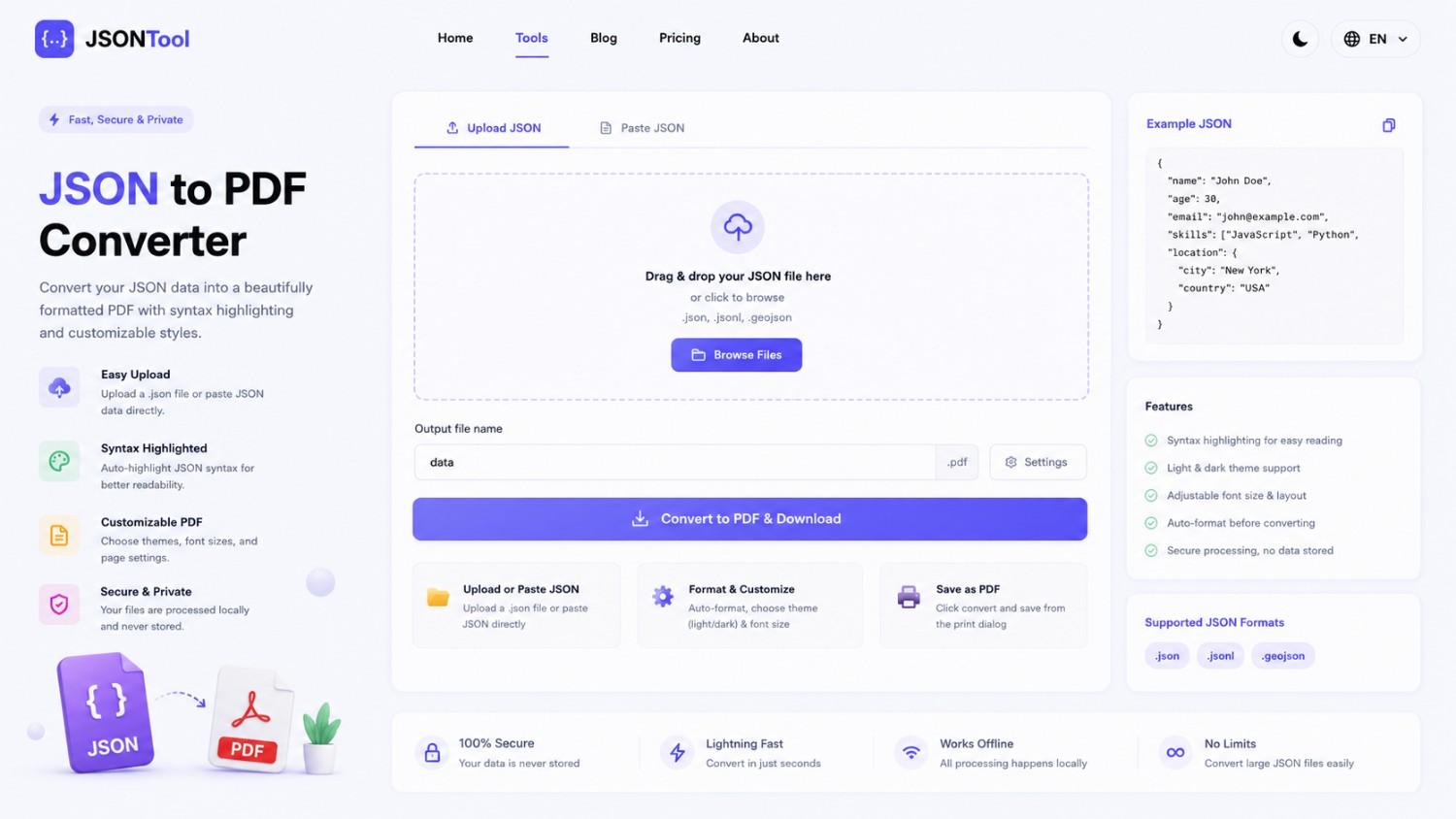
JSON to PDF Converter
Convert JSON files into clean and professional PDF documents instantly online. Fast, secure and free JSON to PDF Converter with formatted output.

Jensen Huang's Strategic Moves to Maintain Nvidia's AI Leadership
Nvidia CEO Jensen Huang outlines plans to sustain the company's dominance in AI amid global challenges, including new technologies, partnerships, and geopolitical considerations.
How to Encode & Decode URLs Online Instantly
Encode and decode URLs instantly with this free online tool. Supports encodeURIComponent and encodeURI for accurate and secure URL conversion. Fast, easy, and no signup required. | Tool snak